10 No-Code Web Scrapers for Large-Scale Data Extraction
Need to extract massive amounts of data without coding? Here’s a quick rundown of 10 no-code web scrapers that can handle big jobs:
- ScraperAPI: All-in-one solution, $49/month
- Octoparse: Visual interface, $75/month
- Apify: Ready-made templates, $49/month
- Bright Data: JavaScript IDE, $500/month
- Parsehub: Desktop app, $189/month
- Import.io: Real-time extraction, $299/month
- Phantombuster: Lead generation focus, $69/month
- Simplescraper: Google Sheets integration, $35/month
- Diffbot: AI-powered extraction, $299/month
- Mozenda: Office integrations, custom pricing
Quick Comparison:
| Tool | Starting Price | Best For | Ease of Use | Key Feature |
|---|---|---|---|---|
| ScraperAPI | $49/month | High-volume scraping | ⭐⭐⭐⭐⭐ | 99% success rate |
| Octoparse | $75/month | Visual scraping | ⭐⭐⭐ | AI-powered auto-detect |
| Apify | $49/month | Versatile scraping | ⭐⭐⭐⭐⭐ | Ready-made templates |
| Bright Data | $500/month | Tech-savvy users | ⭐⭐⭐⭐ | JavaScript IDE |
| Parsehub | $189/month | Desktop scraping | ⭐⭐⭐ | Tableau exports |
| Import.io | $299/month | Real-time market data | ⭐⭐⭐⭐ | Multi-URL training |
| Phantombuster | $69/month | Marketing pros | ⭐⭐⭐⭐ | Lead generation scrapers |
| Simplescraper | $35/month | Quick, simple scraping | ⭐⭐⭐⭐ | Google Sheets integration |
| Diffbot | $299/month | Intelligent parsing | ⭐⭐⭐⭐ | AI-powered extraction |
| Mozenda | Custom pricing | Office ecosystem users | ⭐⭐⭐ | Office integrations |
What is Large-Scale Data Extraction?
Large-scale data extraction is web scraping on a massive scale. It’s about pulling tons of info from countless web pages, fast.
Key Features
- Huge volume (millions of pages)
- Lightning-fast processing
- Hands-off operation
Traditional Coding: A Headache
Trying to code your own scraper for big jobs? Good luck:
- It’s a time sink
- You need serious coding chops
- Your computer might hate you
Here’s a reality check: In 2021, an e-commerce company blew $50,000 and 3 months trying to build their own scraper. The result? A tool that choked on just 10,000 pages a day.
No-Code Tools: A Better Approach
No-code scrapers flip the script:
- Set up in hours, not months
- So easy, your grandma could use them
- Built to handle the big leagues
Worth noting: A market research firm used Octoparse to scrape 1 million product listings from 50 sites in 2 weeks. No coding required.
| Feature | DIY Coding | No-Code Tools |
|---|---|---|
| Setup | Months | Hours |
| Tech skills | PhD level | Beginner |
| Scalability | DIY headache | Built-in |
| Upkeep | Constant | Almost none |
How to Evaluate No-Code Web Scrapers
Choosing the right no-code web scraper can make or break your data extraction project. Here’s what to look for:
Handling Big Data
Your scraper should be able to grow with your needs. You want a tool that can handle millions of pages without breaking down.
ScraperAPI, for example, claims a 99% success rate, even for big projects. It’s built to handle huge amounts of data without slowing down.
User-Friendly Interface
A good no-code scraper should be easy for anyone to use, even if they’re not tech-savvy.
| Tool | Ease of Use Rating |
|---|---|
| ScraperAPI | ⭐⭐⭐⭐⭐ |
| Octoparse | ⭐⭐⭐ |
| Apify | ⭐⭐⭐⭐⭐ |
Data Crunching Power
Check how much data the tool can process and store. More is better, especially for large projects.
Pro Tip: Look for tools with parallel web scraping. It can really speed up your data collection.
Plays Well with Others
Your scraper should work smoothly with your existing tech stack.
Apify, for instance, offers various data delivery options. You can get .xlsx data sets via Google Drive, making it easy to use with other tools.
Bang for Your Buck
Compare prices, but don’t just go for the cheapest option. Think about what you’re getting for your money.
| Tool | Starting Price | Key Feature |
|---|---|---|
| ScraperAPI | $49/month | 100,000 API credits |
| Apify | $49/month | 1000+ pre-made templates |
| Octoparse | $75/month | Visual scraping interface |
10 No-Code Web Scrapers for Big Projects
Let’s look at the top no-code web scrapers for large-scale data extraction. These tools let you gather tons of data without coding.
1. ScraperAPI
ScraperAPI is a powerhouse for high-volume scraping.
| Feature | Details |
|---|---|
| Strength | All-in-one solution |
| Price | From $49/month (100,000 credits) |
| Best for | High-volume scraping |
| Ease of use | ⭐⭐⭐⭐⭐ |
2. Octoparse
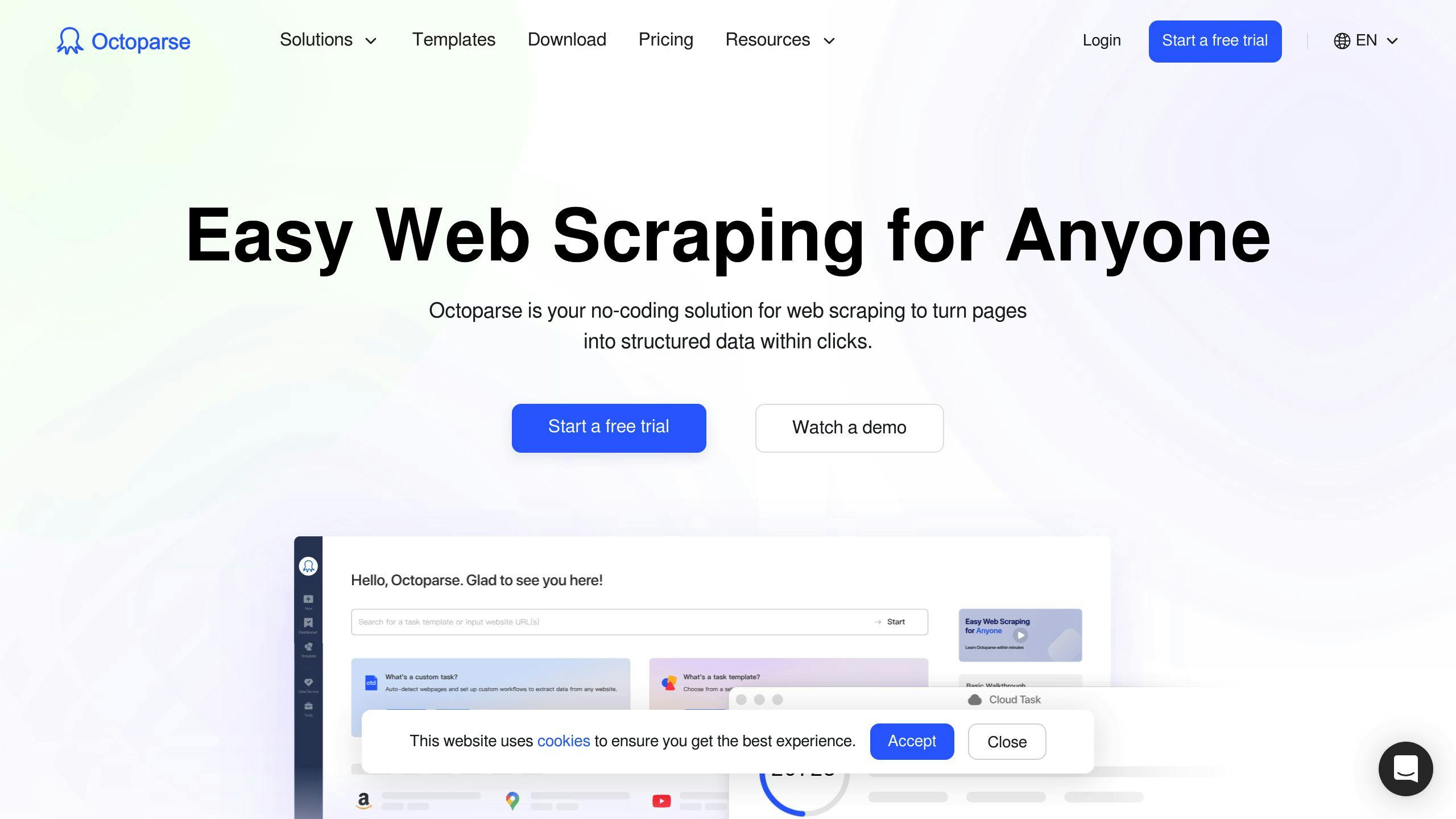
Octoparse offers visual scraping.
| Feature | Details |
|---|---|
| Strength | Visual interface |
| Price | From $75/month |
| Best for | Point-and-click fans |
| Ease of use | ⭐⭐⭐ |
3. Apify
Apify has lots of pre-built templates.
| Feature | Details |
|---|---|
| Strength | Ready-made templates |
| Price | From $49/month + $0.4/extra unit |
| Best for | Versatile scraping needs |
| Ease of use | ⭐⭐⭐⭐⭐ |
4. Bright Data
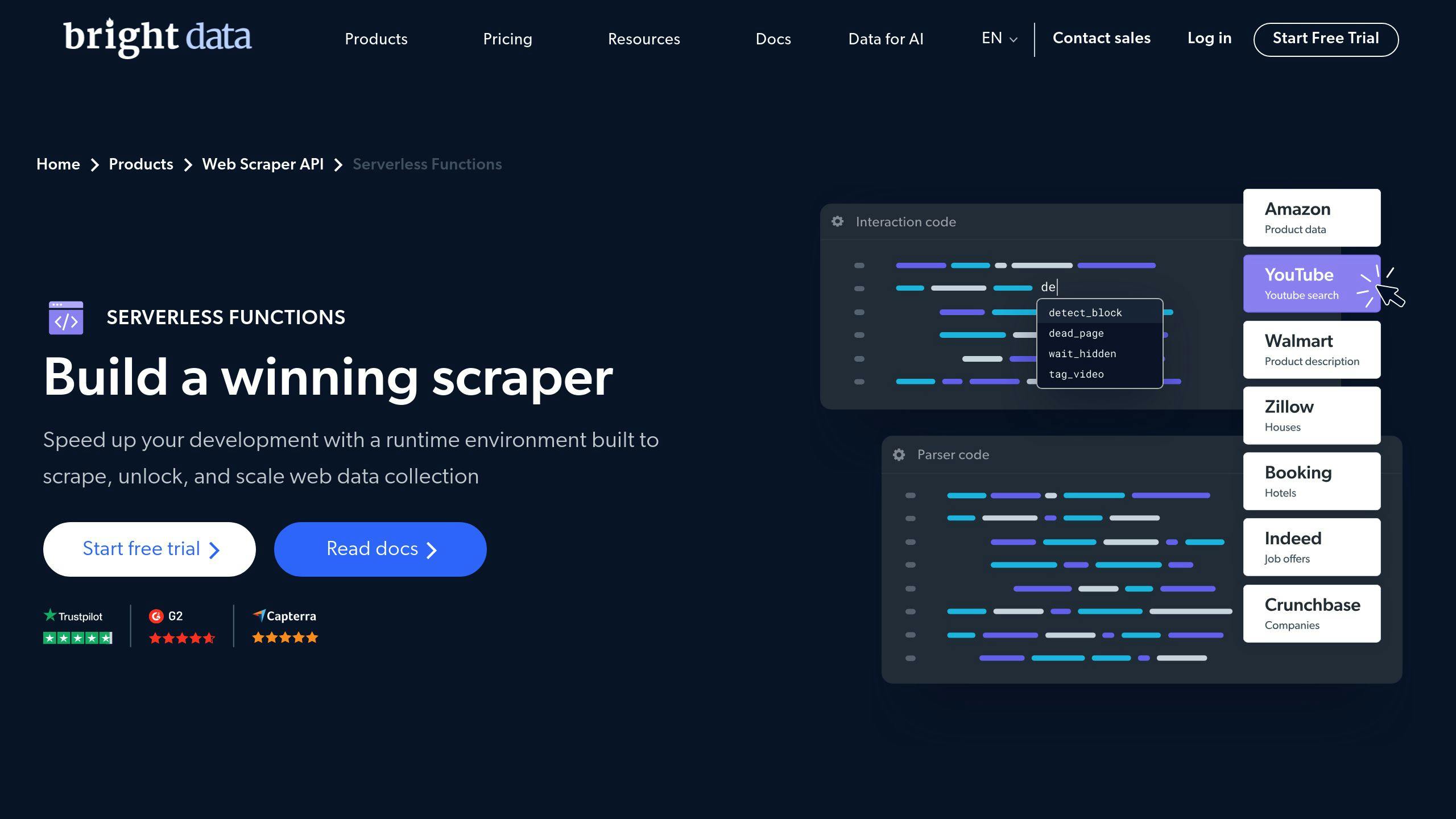
For those with some tech know-how.
| Feature | Details |
|---|---|
| Strength | JavaScript IDE |
| Price | From $500/month (Growth plan) |
| Best for | Tech-savvy users |
| Ease of use | ⭐⭐⭐⭐ |
5. Parsehub
A desktop app for easier scraping.
| Feature | Details |
|---|---|
| Strength | Tableau exports |
| Price | From $189/month (20 projects) |
| Best for | Desktop scraping |
| Ease of use | ⭐⭐⭐ |
6. Import.io
Focuses on real-time market research data.
| Feature | Details |
|---|---|
| Strength | Real-time extraction |
| Price | From $299/month |
| Best for | Up-to-date market data |
| Ease of use | ⭐⭐⭐⭐ |
7. Phantombuster
Aimed at marketing and sales teams.
| Feature | Details |
|---|---|
| Strength | Lead generation scrapers |
| Price | From $69/month (20 hours) |
| Best for | Marketing pros |
| Ease of use | ⭐⭐⭐⭐ |
8. Simplescraper
Straightforward data collection.
| Feature | Details |
|---|---|
| Strength | Google Sheets integration |
| Price | From $35/month (6,000 credits) |
| Best for | Quick, simple scraping |
| Ease of use | ⭐⭐⭐⭐ |
9. Diffbot
Uses AI for smart extraction.
| Feature | Details |
|---|---|
| Strength | AI-powered extraction |
| Price | From $299/month |
| Best for | Intelligent parsing |
| Ease of use | ⭐⭐⭐⭐ |
10. Mozenda
Offers cloud and downloadable options.
| Feature | Details |
|---|---|
| Strength | Office integrations |
| Price | Custom (contact sales) |
| Best for | Office ecosystem users |
| Ease of use | ⭐⭐⭐ |
Comparing the 10 No-Code Web Scrapers
Let’s break down the top 10 no-code web scrapers to help you pick the right one for your data extraction needs:
| Tool | Starting Price | Best For | Ease of Use | Key Feature |
|---|---|---|---|---|
| ScraperAPI | $49/month | High-volume scraping | ⭐⭐⭐⭐⭐ | 99% success rate |
| Octoparse | $75/month | Visual scraping | ⭐⭐⭐ | AI-powered auto-detect |
| Apify | $49/month | Versatile scraping | ⭐⭐⭐⭐⭐ | Ready-made templates |
| Bright Data | $500/month | Tech-savvy users | ⭐⭐⭐⭐ | JavaScript IDE |
| Parsehub | $189/month | Desktop scraping | ⭐⭐⭐ | Tableau exports |
| Import.io | $299/month | Real-time market data | ⭐⭐⭐⭐ | Multi-URL training |
| Phantombuster | $69/month | Marketing pros | ⭐⭐⭐⭐ | Lead generation scrapers |
| Simplescraper | $35/month | Quick, simple scraping | ⭐⭐⭐⭐ | Google Sheets integration |
| Diffbot | $299/month | Intelligent parsing | ⭐⭐⭐⭐ | AI-powered extraction |
| Mozenda | Custom pricing | Office ecosystem users | ⭐⭐⭐ | Office integrations |
-
How much data are you scraping? If you’re dealing with massive amounts, ScraperAPI or Apify might be your best bet.
-
Are you new to this? If so, user-friendly options like Octoparse or Simplescraper could be a good starting point.
-
What’s your specific use case? Some tools are built for particular needs. Phantombuster, for example, is great for marketing and sales teams.
-
What’s your budget? Prices range from $35 to $500 per month. Pick one that won’t break the bank but still gets the job done.
-
How does it fit into your workflow? If you’re all about Microsoft Office, Mozenda might be a perfect fit.
-
What kind of support do you need? Look for tools with solid customer support and good documentation. You’ll thank yourself later.
Each tool has its pros and cons. ScraperAPI might be overkill for simple tasks, while Simplescraper could struggle with complex websites. It’s all about finding the right fit for YOUR needs.
How to Use No-Code Tools for Big Scraping Projects
No-code web scrapers let you extract tons of data without writing code. Here’s how to use them:
Pick the Right Tool
Choose a tool that fits your project:
| Factor | What to Look For |
|---|---|
| Data volume | ScraperAPI or Apify for huge amounts |
| Ease of use | Octoparse or Simplescraper for beginners |
| Specific use | Phantombuster for marketing and sales |
| Budget | $35 to $500 per month |
| Workflow | Mozenda for Microsoft Office users |
Start Your Project
- Figure out what data you need
- Pick your tool
- Set up your account and learn the basics
Set Up for Big Extractions
- Add target URLs or point-and-click to select data
- Schedule scrapes and set up batch URL scraping
- Configure for complex pages without slowing down
Watch the Scraping Process
- Check data quality
- Fix blocked requests or timeouts
- Tweak scraping settings as needed
Handle Big Data Sets
- Export to CSV, JSON, or XML
- Use AWS S3 for storage
- Clean and organize data with built-in features
“Pick a tool based on your data source, format, and needs. Look at how easy it is to use, the support they offer, and the price.” - Octoparse docs
Tips for Large-Scale No-Code Web Scraping
Ethical Web Scraping
When you’re scraping data at scale, you need to play by the rules:
- Always check the robots.txt file
- Stick to public data
- Space out your requests (every 10-15 seconds)
- Scrape during off-peak hours
“Web scraping should be discreet, comply with site terms of service, check the robots.txt protocol, and avoid scraping personal data and secret information.” - Web Scraping Best Practices Guide
Protecting Target Websites
Don’t be a burden on the sites you scrape:
- Use IP rotation and proxies
- Add delays between scrapes
- Run jobs when traffic is low
- Only grab what you need
Keeping Data Accurate and Consistent
Quality matters. Here’s how to maintain it:
- Use headless browsers for dynamic content
- Set up error handling
- Validate your scraped data
- Re-scrape to catch updates
Organizing and Storing Large Data Sets
Got data? Here’s how to handle it:
| Storage Method | Best For |
|---|---|
| Cloud (S3, Azure) | Scalability, large datasets |
| Databases (MySQL, MongoDB) | Structured data, querying |
| Local files (CSV, JSON) | Small projects, offline use |
- Ditch the duplicates
- Standardize formats
- Add metadata
“Store your data in databases like MySQL, PostgreSQL, MongoDB, or in cloud storage services like Google Drive, Amazon S3, and Microsoft Azure.” - Large-Scale Web Scraping Guide
Fixing Common Problems in Large-Scale Scraping
Large-scale web scraping can be tricky. Here’s how to tackle the most common issues:
Handling Blocked Requests
Websites might block your scraper. To avoid this:
- Use rotating IP addresses and proxies
- Set realistic request headers
- Add delays between requests
- Use headless browsers
Bright Data offers a proxy network with millions of IPs, helping scrapers avoid detection.
Scraping Dynamic Content
Many websites load content using JavaScript. To overcome this:
- Use browser automation tools like Selenium or Playwright
- Wait for specific elements to load
- Run JavaScript on the page
Here’s a quick example using Selenium:
from selenium import webdriver
import time

driver = webdriver.Chrome()
driver.get("https://example.com")
time.sleep(4)
content = driver.find_elements_by_css_selector(".dynamic-content")
print(content[0].text)
Dealing with Timeouts and Failures
To handle timeouts and failures:
- Use try-except blocks to catch errors
- Implement retry mechanisms
- Set up monitoring for high failure rates
Growing Your Scraping Operations
As you scale up, think about:
- Using cloud servers
- Implementing a queue system
- Updating your scraping patterns regularly
Conclusion
No-code web scrapers have changed the game for big data extraction. Now, even if you’re not a developer, you can pull tons of data from the web.
When picking a no-code scraper for your big project, think about:
- How much data you need
- How tricky the websites are
- What format you want the data in
- If it can grow with your needs
- If it’s worth the money
Don’t forget to play nice on the web. Follow robots.txt rules and stick to data privacy laws.
The right no-code scraper can help you:
- Grab data faster
- Spot trends you might miss
- Make smarter choices
- Stay ahead of the pack
Try out free versions before you buy. Once you find the right fit, you’ll be ready to tackle big data projects and use web data to boost your business.
Related on ScrapingLab:
- ScrapingLab vs Bright Data — Visual workflow vs proxy infrastructure
- ScrapingLab vs ParseHub — Desktop app vs cloud platform
- How to Scrape a Website Without Code — Getting started guide