8 No-Code Web Scraping Tools
No-code web scraping tools let anyone extract data from websites without coding skills. Here’s what you need to know:
- These tools use simple interfaces to collect web data
- They save time and money compared to manual data entry or hiring developers
- The market for no-code scrapers is growing fast, expected to hit $1.8 billion by 2027
Top 8 no-code web scraping tools:
Quick comparison:
| Tool | Ease of Use | Free Plan | Starting Price |
|---|---|---|---|
| Apify | Moderate | Yes ($5 credit/month) | $49/month |
| Octoparse | Easy | Yes | $89/month |
| ParseHub | Moderate | Yes | $189/month |
| Simplescraper | Easy | No | $35/month |
| PhantomBuster | Easy | 14-day trial | $69/month |
| Import.io | Moderate | No | $399/month |
| BrightData | Hard | No | $500/month |
| Web Scraper | Easy | Yes (browser add-on) | $50/month (cloud) |
What is No-Code Web Scraping?
No-code web scraping lets you grab data from websites without writing code. It’s like having a digital helper that collects info from web pages for you.
These tools have easy-to-use interfaces. You just point and click to tell the tool what data you want. It does the hard work for you.
Why does this matter? Because now anyone can scrape web data, not just tech experts. Business owners, marketers, researchers - if you need web data, you can get it yourself.
Key benefits:
- Saves time: Minutes instead of hours of manual work
- Saves money: No need to hire developers
- Easy to use: If you can use a phone, you can use these tools
- Handles big jobs: Works for small and large-scale scraping
Who’s using it? Everyone who needs data:
| Industry | Use Case |
|---|---|
| E-commerce | Price tracking, product research |
| Real Estate | Property listings, market trends |
| Finance | Stock data, market analysis |
| Marketing | Lead generation, competitor research |
| Travel | Flight prices, hotel availability |
| Recruitment | Job postings, skill requirements |
How to Pick a No-Code Web Scraping Tool
Picking the right no-code web scraper can make or break your data projects. Here’s what to look for:
Ease of Use: Go for a tool with a simple interface. You shouldn’t need a PhD to use it. Look for point-and-click features or easy URL inputs.
Key Features: Check for:
- Scheduled scraping
- Batch scraping
- Multiple export options
Price: Compare costs. Some tools have free plans with limits, others start at $40-$155/month.
Scalability: Can it handle big projects without crashing?
Data Quality: Look for strong parsing and error handling. Garbage in, garbage out.
Integration: Does it play nice with your other tools? APIs are a big plus.
Support: Good docs and quick help can save you headaches.
Here’s a quick comparison:
| Tool | Ease of Use | Free Plan | Starting Price (Paid) |
|---|---|---|---|
| Octoparse | High | Yes | $99/month |
| ParseHub | High | Yes | $155/month |
| Web Scraper | Medium | Yes | $40/month |
8 Top No-Code Web Scraping Tools
Let’s look at the best no-code web scraping tools available today. These make data extraction a breeze, even if you’re not a developer.
Apify
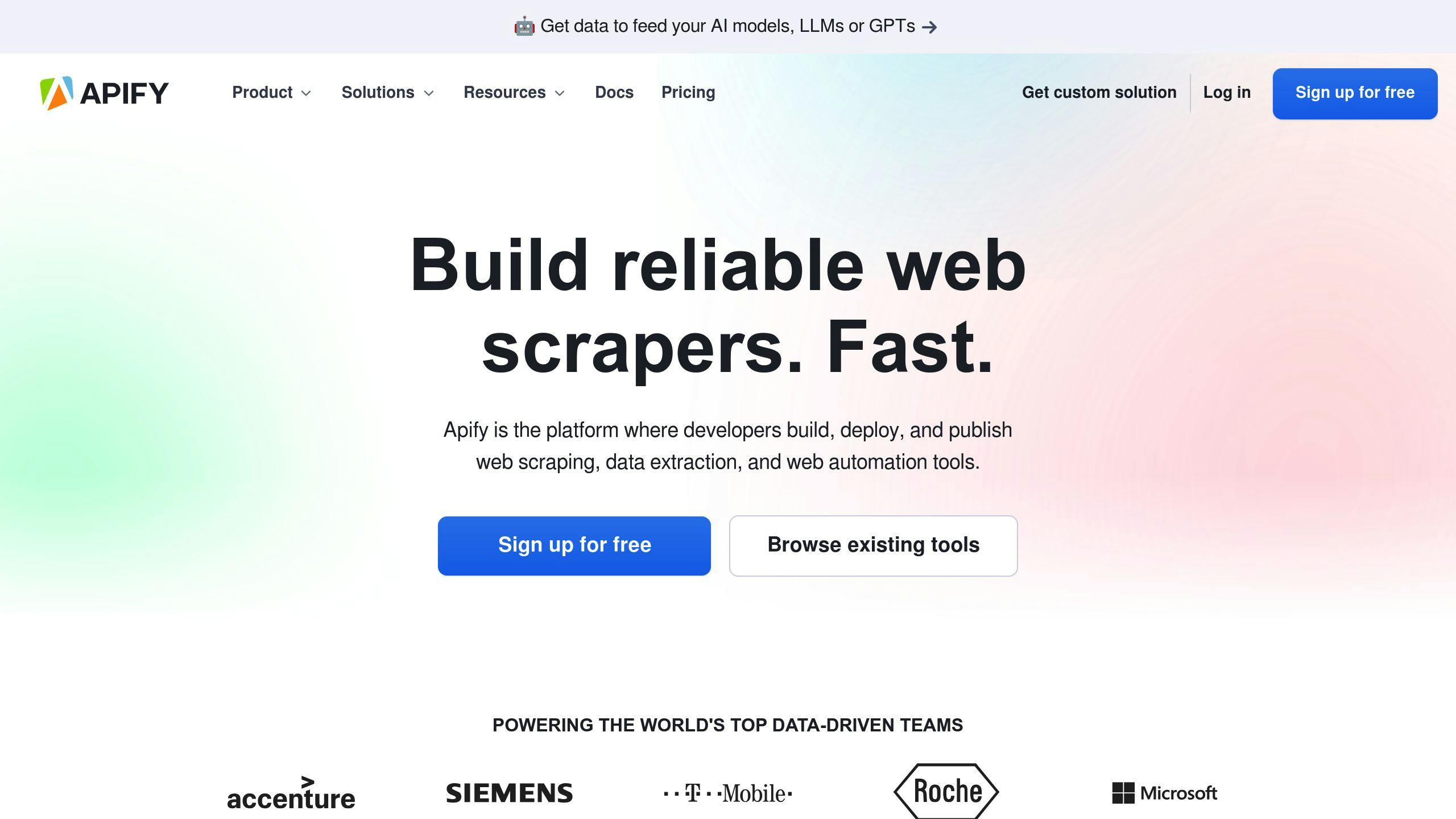
Apify’s got muscle. It’s packed with over 1,500 ready-made scraping tools called Actors.
| Pros | Cons |
|---|---|
| Cloud-based | Might confuse newbies |
| Huge tool library | Takes time to master |
| Scales well | Pricey for advanced stuff |
Octoparse
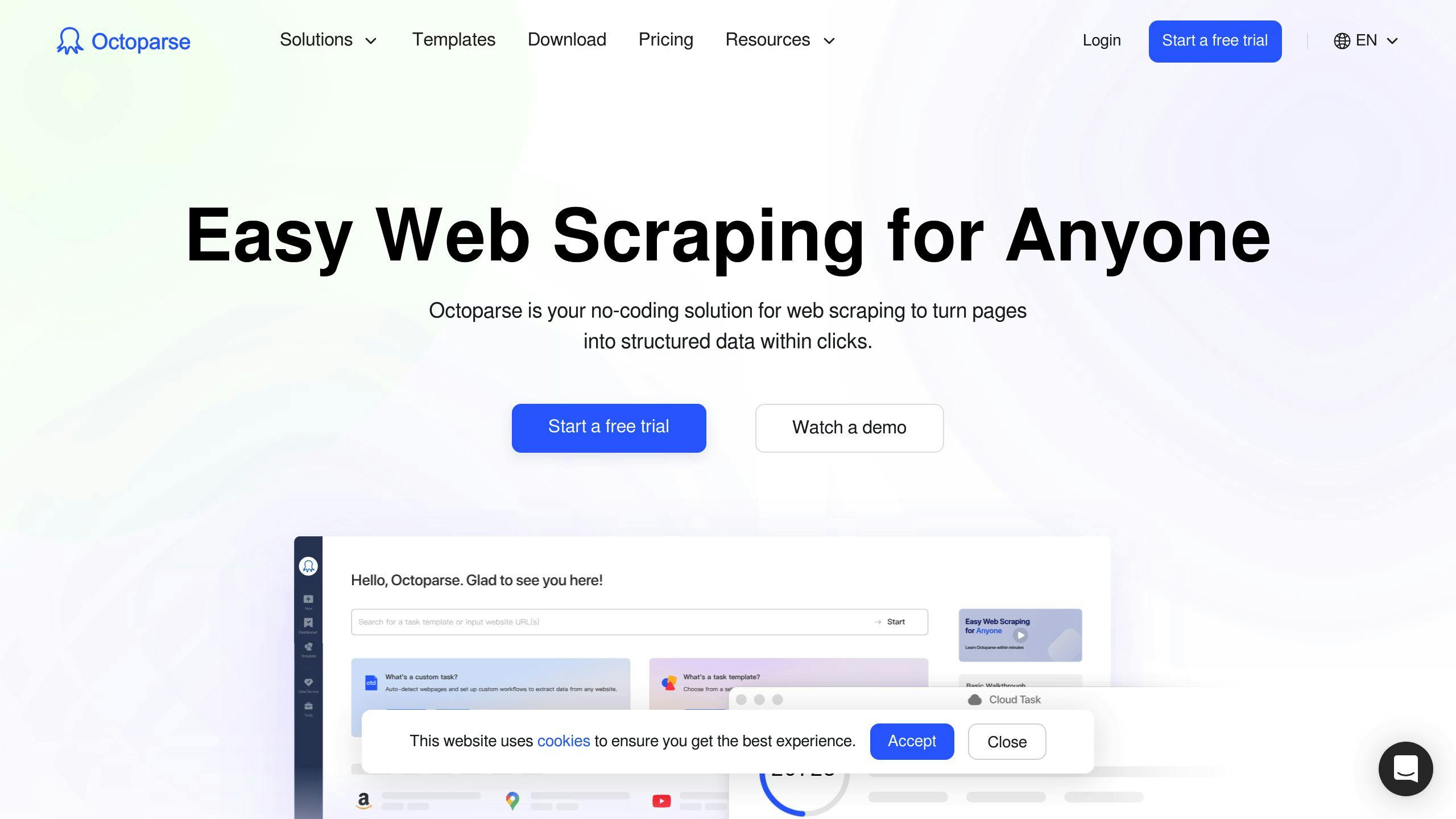
Octoparse is a friendly face for scraping newcomers.
| Pros | Cons |
|---|---|
| Easy to use | Data comes in slow |
| AI helps out | Not many fancy features |
| Pre-made templates | No cloud scraping on free plan |
ParseHub
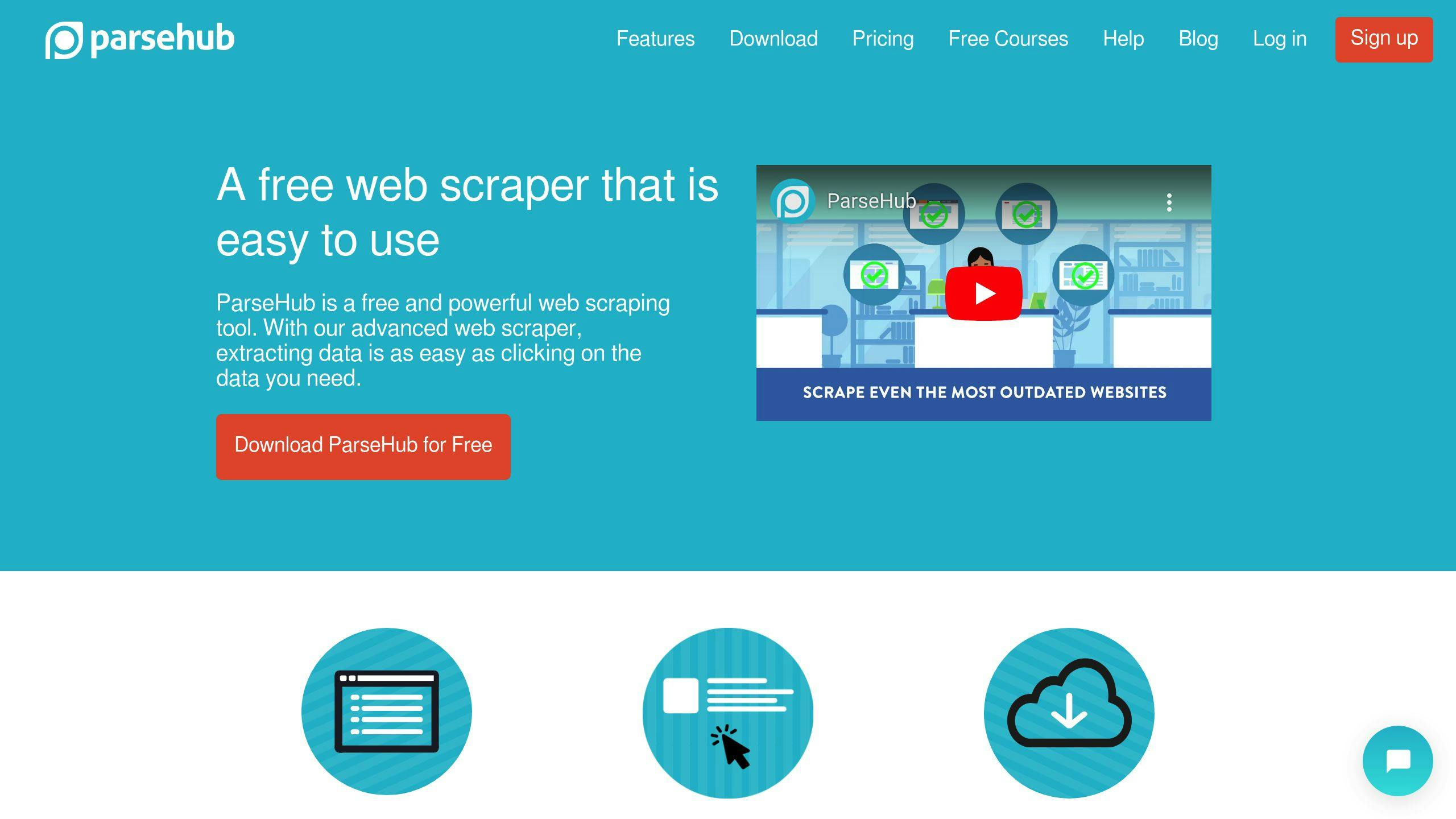
ParseHub tackles tricky websites like a champ, even those with JavaScript and endless scrolling.
| Pros | Cons |
|---|---|
| Handles complex sites | Limited trial |
| Scheduled scraping | Costs more for businesses |
| Point-and-click | Slow for big jobs |
Simplescraper
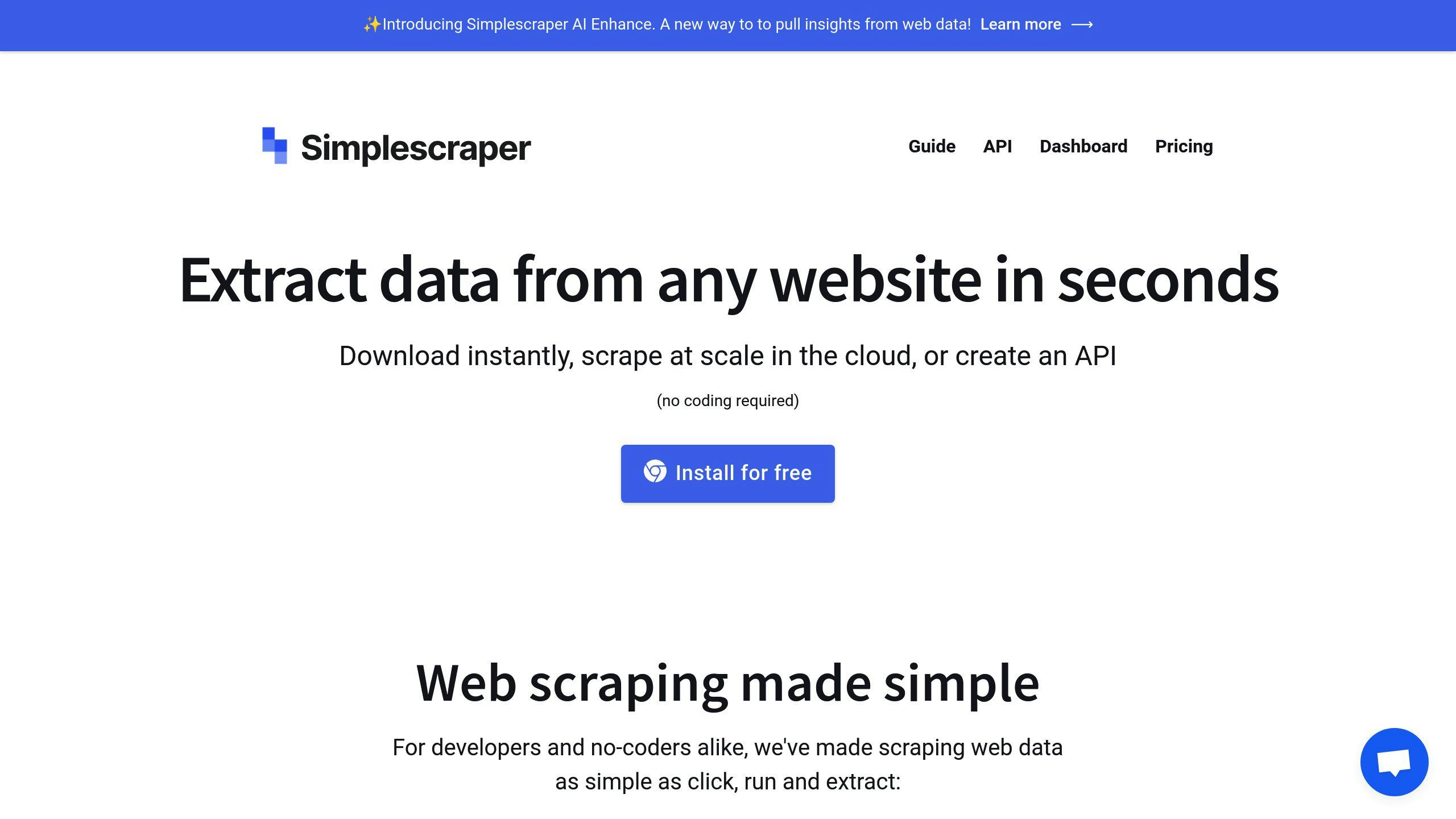
Simplescraper plays nice with Google Sheets in real-time. Great for quick data crunching.
| Pros | Cons |
|---|---|
| Real-time Google Sheets | Skimpy free plan |
| User-friendly | Fewer bells and whistles |
| Quick setup | Not for massive projects |
PhantomBuster
PhantomBuster’s all about social media data and automation.
| Pros | Cons |
|---|---|
| 100+ automation tools | Mostly social media focused |
| Data enrichment | Can hit the wallet hard |
| Good for leads | Not very flexible |
Import.io
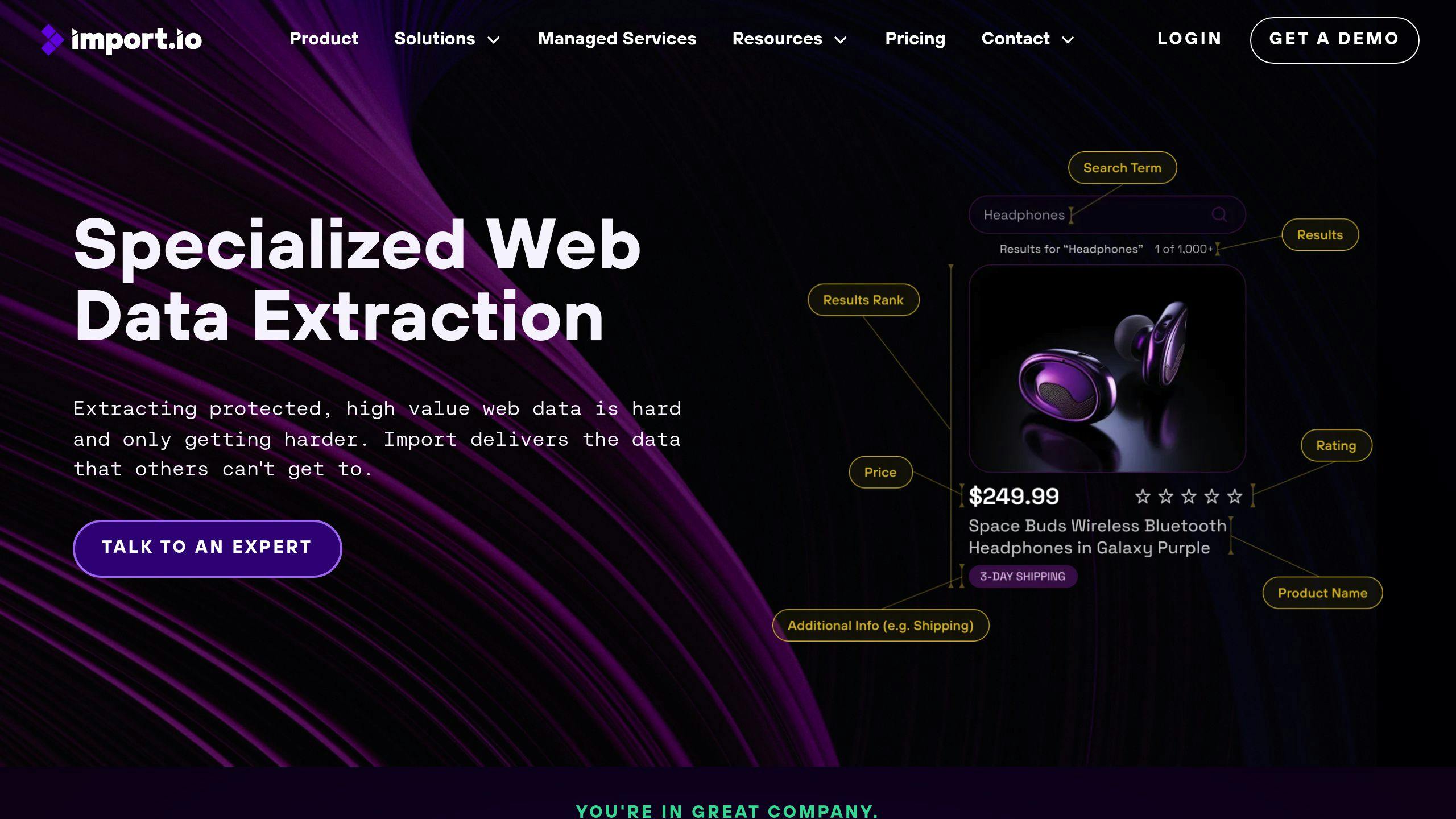
Import.io lets you build custom scrapers with point-and-click ease.
| Pros | Cons |
|---|---|
| Custom scraping | No free ride |
| Clean look | Expensive for small shops |
| Auto-scheduling | Takes time to learn |
BrightData
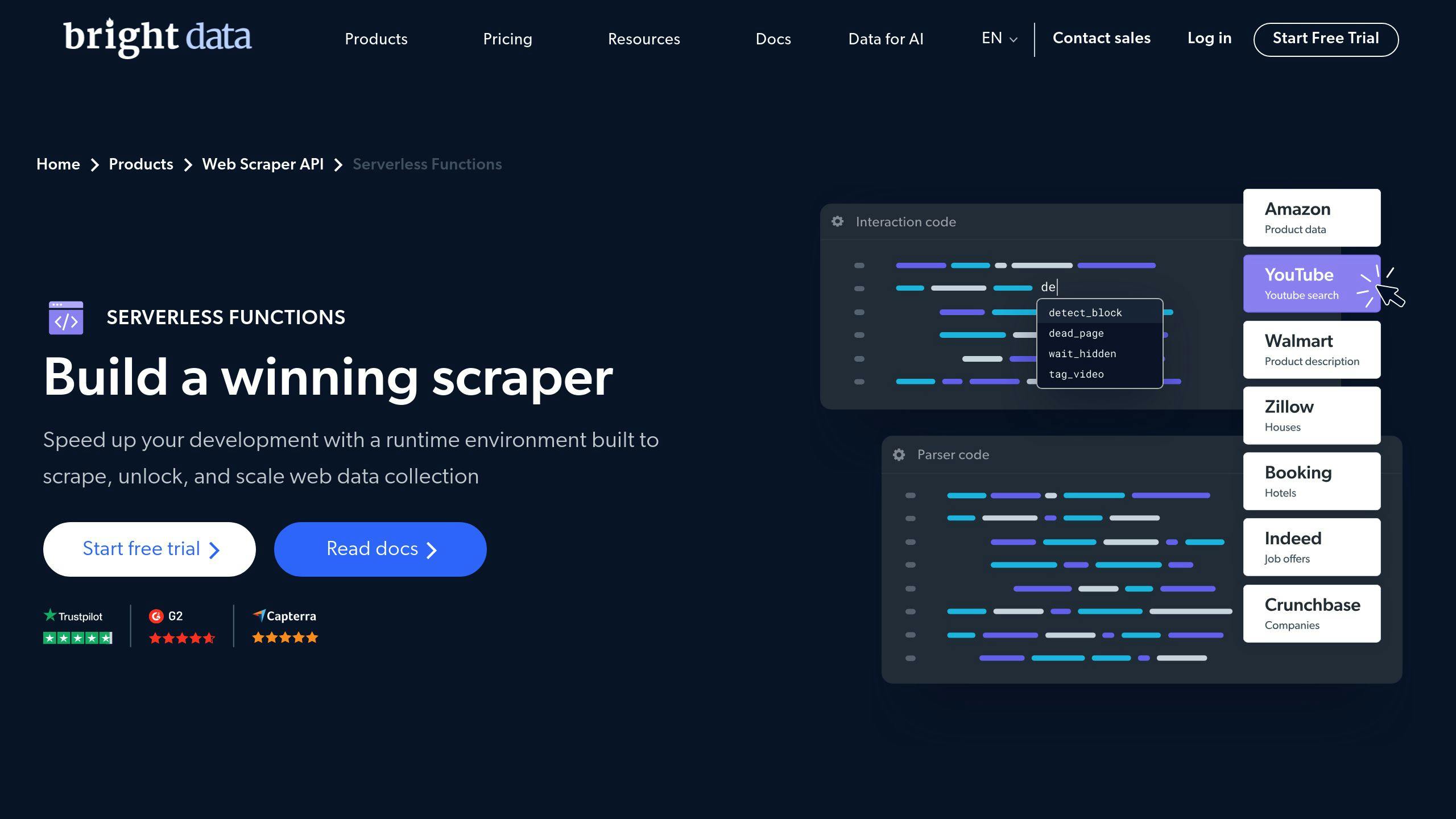
BrightData offers a beefy JavaScript IDE for the more tech-savvy crowd.
| Pros | Cons |
|---|---|
| Powerful JavaScript IDE | Costs a pretty penny |
| Huge proxy network | Tough for beginners |
| High success rates | Overkill for simple jobs |
Web Scraper
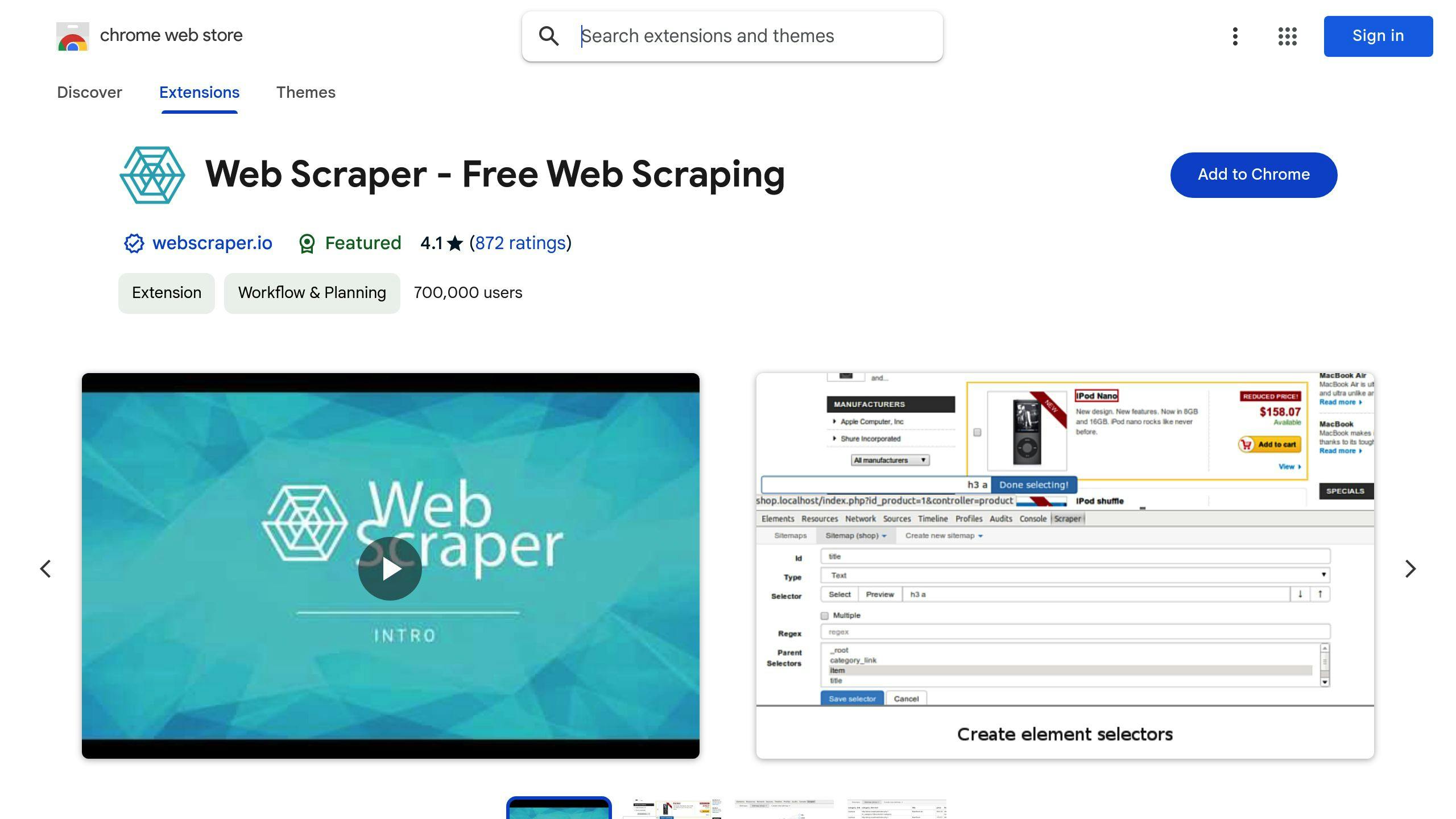
Web Scraper’s a browser add-on that’s perfect for smaller tasks.
| Pros | Cons |
|---|---|
| Simple to use | Limited vs standalone tools |
| Free browser add-on | Not for big scraping jobs |
| Beginner-friendly | Fewer advanced tricks |
Tool Comparison Table
Here’s a breakdown of 8 no-code web scraping tools:
| Tool | Ease of Use | Key Features | Pricing | Integration Options |
|---|---|---|---|---|
| Apify | Moderate | 1,500+ scraping tools, cloud-based, scalable | Free plan ($5 credit/month); From $49/month | API, webhooks, cloud storage, Zapier, Make |
| Octoparse | Easy | AI-assisted, pre-made templates, AJAX/JavaScript handling | Free plan; From $89/month | Chrome extension, local extraction |
| ParseHub | Moderate | Complex site handling, scheduled scraping, point-and-click | Free plan; From $189/month | API, cloud storage |
| Simplescraper | Easy | Real-time Google Sheets integration, quick setup | From $35/month (6,000 credits) | Google Sheets, API |
| PhantomBuster | Easy | 100+ automation tools, social media focus, data enrichment | 14-day free trial; From $69/month | API, Zapier |
| Import.io | Moderate | Custom scraping, auto-scheduling, clean interface | From $399/month | API, cloud storage |
| BrightData | Hard | JavaScript IDE, huge proxy network, high success rates | From $500/month | API, various programming languages |
| Web Scraper | Easy | Free browser add-on, beginner-friendly | Free add-on; Cloud from $50/month | Browser extension, cloud version |
-
User-Friendliness: Octoparse, Simplescraper, and Web Scraper are best for beginners. BrightData is more complex.
-
Cost: Web Scraper has a free add-on for small projects. Apify and Octoparse offer limited free plans. BrightData and Import.io are pricier but more advanced.
-
Features: Apify has many pre-made tools, PhantomBuster excels in social media, ParseHub handles complex sites, and Simplescraper integrates with Google Sheets.
-
Integration: Most have APIs. Apify and PhantomBuster work with Zapier for multi-app automation.
Choose based on your needs, budget, and skills. Newbies might like Web Scraper or Simplescraper. For bigger projects, consider Apify or BrightData.
Picking the Right Tool for Your Needs
Choosing a no-code web scraping tool isn’t one-size-fits-all. Here’s how to find your perfect match:
Know Your Data
What are you after? Product info? Social media data? Your target shapes your tool choice.
For e-commerce, look for tools with pre-built templates. Social media scraping? PhantomBuster might be your go-to.
User-Friendliness Matters
New to scraping? Don’t sweat it. Some tools make it easy:
- Octoparse and Web Scraper: Point-and-click simplicity
- Simplescraper: Works right in Google Sheets
Think Big (Data)
Got a massive project? You need a tool that can keep up:
- Apify: Cloud-based, parallel scraping for heavy lifting
- BrightData: Huge proxy network for high success rates
Play Well with Others
How will your scraped data fit into your workflow?
| Tool | Plays Nice With |
|---|---|
| Apify | APIs, webhooks, cloud storage, Zapier, Make |
| Octoparse | Chrome, local extraction |
| ParseHub | APIs, cloud storage |
| Simplescraper | Google Sheets, APIs |
Money Talks
Prices vary wildly. Here’s the range:
- Free: Web Scraper browser extension
- Almost Free: Apify ($5 credit/month free plan)
- Paid: From $35/month (Simplescraper) to $500/month (BrightData)
Try Before You Buy
Most tools offer free trials or demos:
- Octoparse, ParseHub, Web Scraper: Free plans (limited features)
- PhantomBuster: 14-day free trial
Pick your tool, start scraping, and watch your data roll in!
Wrap-up
No-code web scraping tools have changed the game. Now, anyone can grab data from the web - no coding skills needed.
Why do these tools matter? Simple:
- They save time
- They’re cheap
- They’re easy to use
But here’s the thing: not all scrapers are the same. When you’re picking one, think about:
1. What data you need
2. How easy the tool is to use
3. Can it handle bigger projects?
4. Does it work with your other tools?
5. How much can you spend?
Let’s look at the top tools:
| Tool | Good for | Price |
|---|---|---|
| Apify | Big projects | $5 credit/month free plan |
| Octoparse | Easy point-and-click | Free plan (limited), $99/month Standard |
| ParseHub | API use | Free for 200 pages, $189/month Standard |
| Simplescraper | Google Sheets fans | From $35/month |
| Web Scraper | Browser extension users | Free |
FAQs
What is the best free no-code web scraper?
There’s no one-size-fits-all answer, but here are some top contenders:
| Tool | Key Features | Best For |
|---|---|---|
| Octoparse | Point-and-click, 10,000 records/month | Newbies |
| ParseHub | Browser-based, 5 free projects | Small jobs |
| Web Scraper | Browser extension | Quick scrapes |
| Bardeen AI | Chrome extension, app integrations | Spreadsheet fans |
- How much data you need
- Website complexity
- Integration needs
- Your tech skills
Related on ScrapingLab:
- ScrapingLab vs Bright Data — Visual workflow vs proxy infrastructure
- ScrapingLab vs ParseHub — Desktop app vs cloud platform
- How to Scrape a Website Without Code — Getting started guide