Top 10 No-Code Web Scraping Tools Compared
Looking for the best no-code web scraping tools in 2024? Here’s a quick rundown of the top 10 options for researchers and academics:
-
Apify: Cloud-based, 1000+ pre-built tools, customizable
-
ParseHub: Point-and-click interface, handles complex sites
-
Octoparse: User-friendly, 100+ templates, cloud extraction
-
Import.io: Automatic extraction, data cleaning tools
-
Web Scraper: Free browser extension, exports to CSV/JSON
-
ScrapeHero: AI-powered, managed enterprise scraping
-
Dexi: Visual editor, multiple robot types
-
DataGrab: Chrome extension, scheduled scraping
-
PhantomBuster: 100+ automations, social media focus
-
Simplescraper: Chrome extension, instant downloads
Quick Comparison:
| Tool | Best For | Starting Price | Key Feature |
|---|---|---|---|
| Apify | Flexibility | $49/month | Many integrations |
| ParseHub | Complex sites | $189/month | Visual creation |
| Octoparse | Beginners | $75/month | Pre-built templates |
| Import.io | Data cleaning | $299/month | Automatic extraction |
| Web Scraper | Basic tasks | Free | Browser extension |
Apify: Web Scraping for Academics
Apify is a cloud-based platform that makes web scraping easy for academic researchers. No coding skills? No problem.
Why Academics Love Apify:
-
1,000+ pre-built scraping tools
-
Customizable templates
-
Multiple data formats (CSV, JSON, XLS, XML)
-
Google Drive integration
-
Handles tech headaches (IP rotation, CAPTCHAs)
Pricing:
| Plan | Cost | What You Get |
|---|---|---|
| Free | $0 | $5 credit, 20 proxies |
| Starter | $49/month | $49 credit, 30 proxies |
| Student Discount | 30% off | On Starter and Scale plans |
2. ParseHub
ParseHub is a no-code web scraping tool that’s been around for a while. It’s great for complex scraping tasks, even if you can’t code.
What’s cool about ParseHub?
-
Point-and-click interface
-
Handles tricky websites with lots of JavaScript
-
Gives you data in CSV, JSON, or through an API
-
Switches IP addresses to avoid getting blocked
How much does it cost?
| Plan | Price | Pages/Run | How fast? (200 pages) |
|---|---|---|---|
| Free | $0 | 200 | 40 min |
| Standard | $189/month | 10,000 | 10 min |
| Professional | $599/month | No limit | Under 2 min |
-
Make a new project with the PubMed URL
-
Use “Relative Select” to grab article titles, authors, and summaries
-
Set it up to scrape multiple pages
-
Let ParseHub’s servers do the work
But watch out:
-
It’s not the fastest tool out there
-
You might need to pay extra for setup help
-
Some users run into “Scraping failed” errors
If speed is your top priority, you might want to check out other tools on our list.
3. Octoparse
Octoparse is a web scraping tool that doesn’t need coding skills. It’s perfect for students and researchers who want to grab data without the headache of programming.
What’s cool about Octoparse?
-
You can just point and click
-
It has ready-made templates
-
Cloud extraction for big projects
-
Spits out data in CSV and HTML
How much does it cost?
| Plan | Tasks | Price |
|---|---|---|
| Free | 10 | $0 |
| Standard | 100 | $89/month |
| Professional | 250 | $249/month |
| Enterprise | 750+ | Custom |
1. Easy peasy data grabbing
Here’s how you do it:
-
Get Octoparse and sign up
-
Type in the website you want
-
Pick the data (auto or manual)
-
Set up your scraping plan
-
Hit go and get your data
2. Google Scholar made simple
There’s a special template for Google Scholar. You can grab article titles, authors, and summaries in no time.
3. Catch data on the fly
The cloud feature is great for snagging data that’s always changing. It’s way easier than old-school methods.
A researcher’s experience:
A University of Texas researcher used Octoparse for studying social media. She said:
“With 20 servers at my service, data is fetched 20 times faster than using my own script.”
She also found data she couldn’t get with her own code. This is worth noting.
But watch out for:
-
No built-in IP switching
-
The interface can be a bit messy
-
Costs can jump up if you need super-fast scraping
Octoparse is great for research, but make sure it fits your needs and budget before diving in.
4. Import.io
Import.io turns web data into usable formats for academic research without coding. It’s built for regular data extraction by non-programmers.
Key Features:
-
Point-and-click interface
-
Automatic extraction with machine learning
-
Data cleaning and analysis tools
-
Cloud and on-premises options
Pricing:
| Plan | Price |
|---|---|
| Starting from | $299/month |
| Free version | Yes |
| Free trial | Yes |
1. Non-coder friendly
The point-and-click interface makes data extraction a breeze for non-technical researchers.
2. Handles various data types
Import.io works with different file formats and languages, fitting diverse research needs.
3. All-in-one solution
Extract, process, integrate, and analyze data in one place.
4. Scales up
Scrape multiple websites and collect billions of data points for large-scale projects.
A teaching assistant at the College of Information Sciences and Technology used Connotate (now part of Import.io):
“You could train agents to automatically gather data in a variety of ways, which I used in my own research.”
Watch out for:
-
Free version limits on data extraction and daily users
-
Pricing starts at $299/month - might stretch some research budgets
Import.io is great for frequent data scrapers who want ease of use. But weigh your budget and data needs before jumping in.
5. Web Scraper
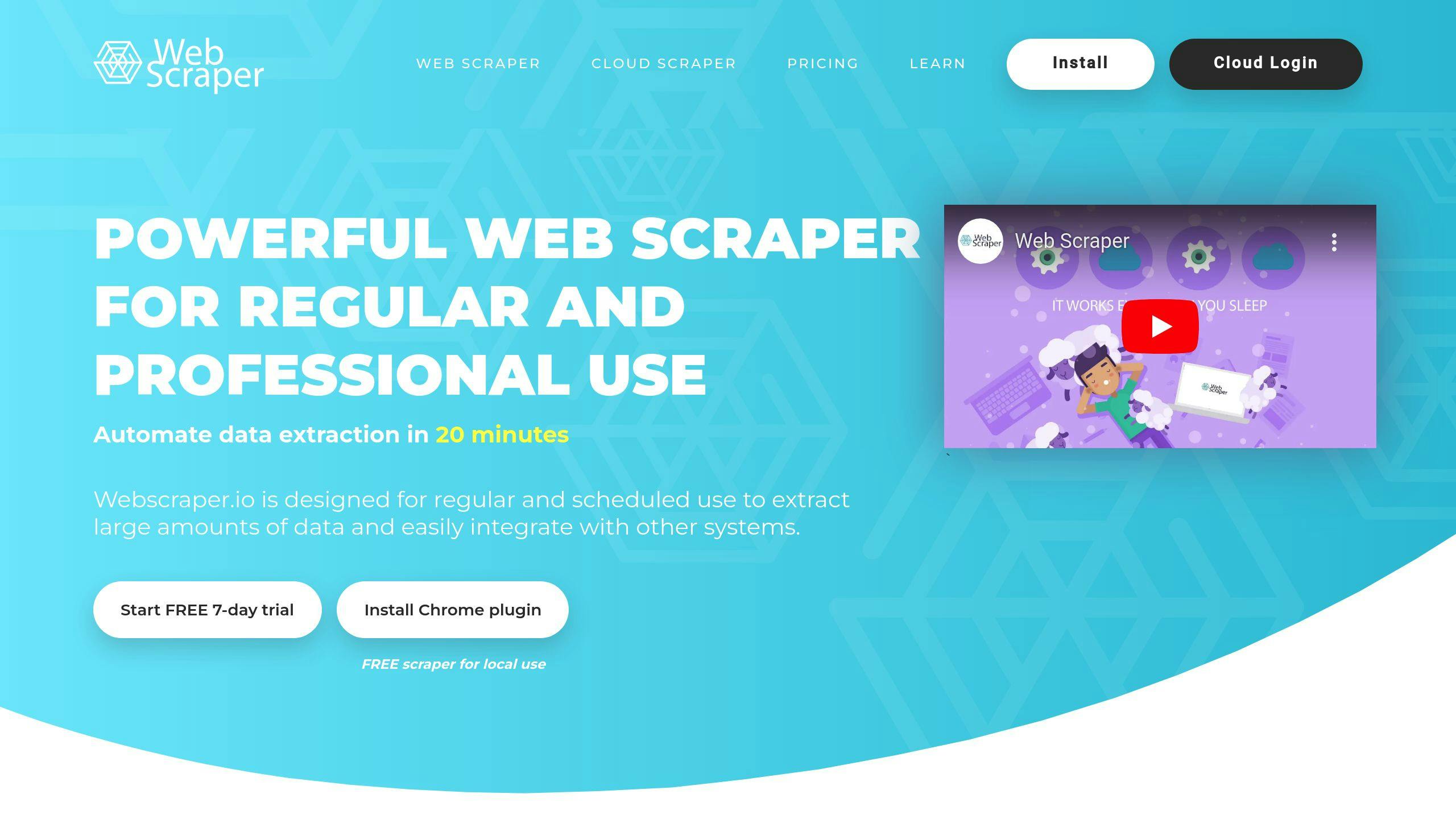
Web Scraper is a free tool that makes data extraction easy for researchers who don’t code. It’s a browser extension for Chrome and Firefox that lets you grab data without writing a single line of code.
What’s cool about Web Scraper?
-
Point-and-click interface (no coding needed)
-
Works with dynamic content
-
Exports data in CSV, XLSX, and JSON
-
Free browser extension for local use
How much does it cost?
| Plan | Price | What you get |
|---|---|---|
| Browser Extension | Free | Use it on your computer |
| Project | $50/month | 5,000 cloud credits, 2 tasks at once |
| Professional | $100/month | 20,000 cloud credits, 3 tasks at once |
| Business | $200/month | 50,000 cloud credits, 5 tasks at once |
| Scale | From $200/month | Unlimited credits, limited jobs |
1. It’s super easy to use
Just point and click to select the data you want. No need to mess with code.
2. It handles tricky websites
Got a site with multiple pages or fancy JavaScript? No problem.
3. Flexible data options
Save your data as CSV, XLSX, or JSON. Or send it straight to Dropbox, Google Sheets, or Amazon S3.
4. Set it and forget it
With Web Scraper Cloud, you can schedule scraping jobs to run automatically.
Real-world example: PubMed
Researchers use Web Scraper to grab tons of data from PubMed, which has over 30 million scientific articles. They can easily collect titles, authors, summaries, and IDs.
Here’s a quick guide to scraping PubMed:
-
Start a new project with the PubMed URL
-
Select article titles
-
Grab authors and summaries
-
Set up pagination to get data from multiple pages
Watch out for:
-
Limited proxy support (might cause issues with big websites)
-
Pricing might not fit all research budgets
Web Scraper is great for researchers who want an easy way to collect data. The free version works well for small projects, while paid plans are there if you need more power.
6. ScrapeHero
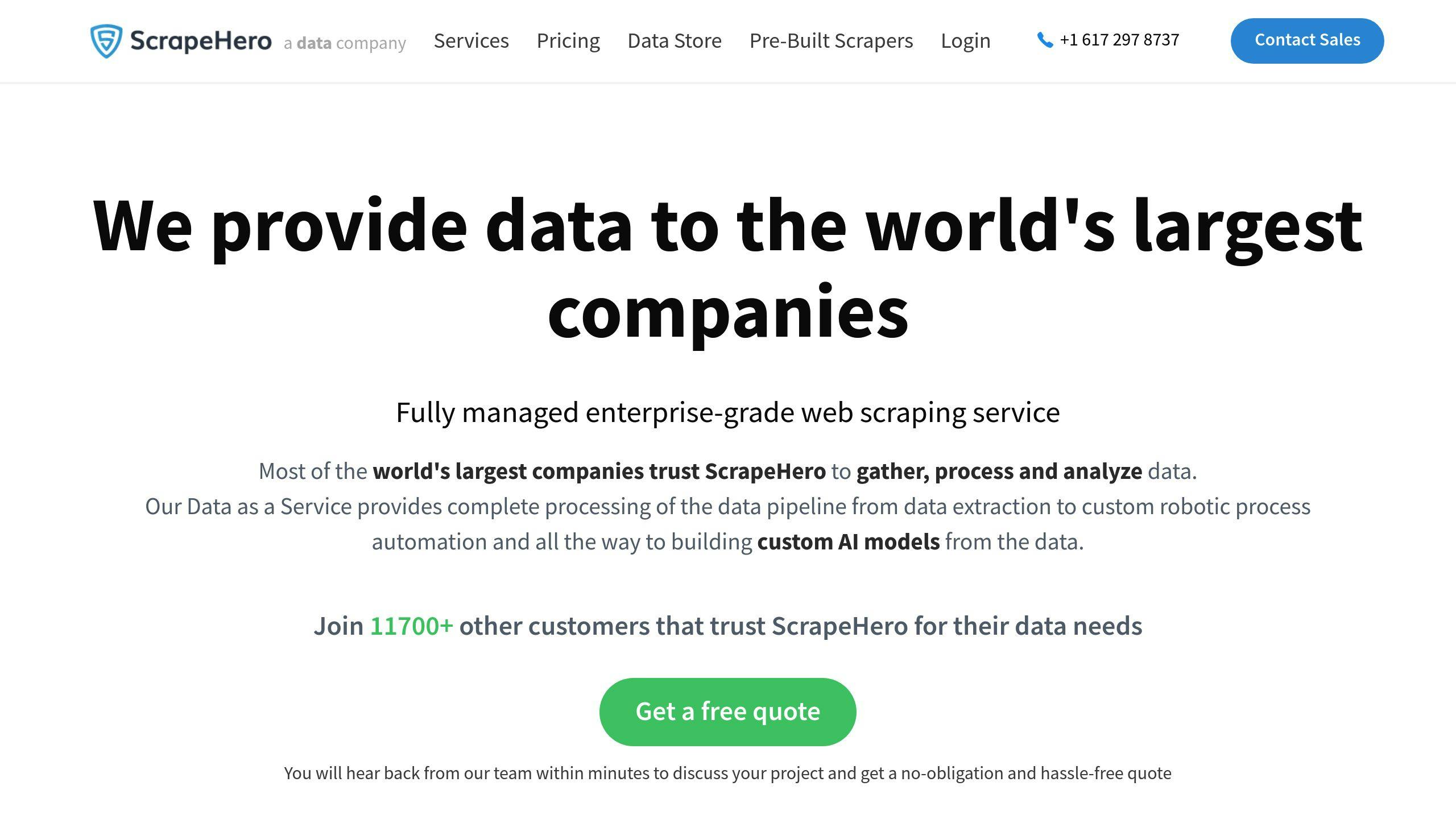
ScrapeHero is a web scraping tool that does the heavy lifting for researchers who need lots of data but don’t want to code. Here is what you need to know:
Key Features:
-
AI-powered data gathering and analysis
-
Real-time, tailored data
-
Cloud and on-premise options
-
Managed enterprise-grade scraping
Pricing:
| Plan | Price | Features |
|---|---|---|
| Starting Price | $50/month | Basic data extraction |
| Custom Solutions | Contact for pricing | AI analysis, custom APIs |
1. Data Variety
ScrapeHero grabs data from all over:
-
Weather info for climate studies
-
Development data from local sources
-
Crime stats and legal records
-
Social media content
2. Hands-Off Approach
You tell them what you need, they:
-
Gather the data
-
Check its quality
-
Deliver it to you
3. Ethical and Legal
They make sure all data collection follows privacy and legal rules. Crucial for research integrity.
4. Adaptable
Users love how ScrapeHero adjusts to specific needs and responds quickly.
Downsides:
-
Can be pricey
-
No quick-insight portal
Real-World Example:
Climate researchers can use ScrapeHero to collect weather data from multiple spots over time. No coding or complex data management needed.
ScrapeHero packs a punch for academic research, but make sure it fits your project and budget before diving in.
7. Dexi
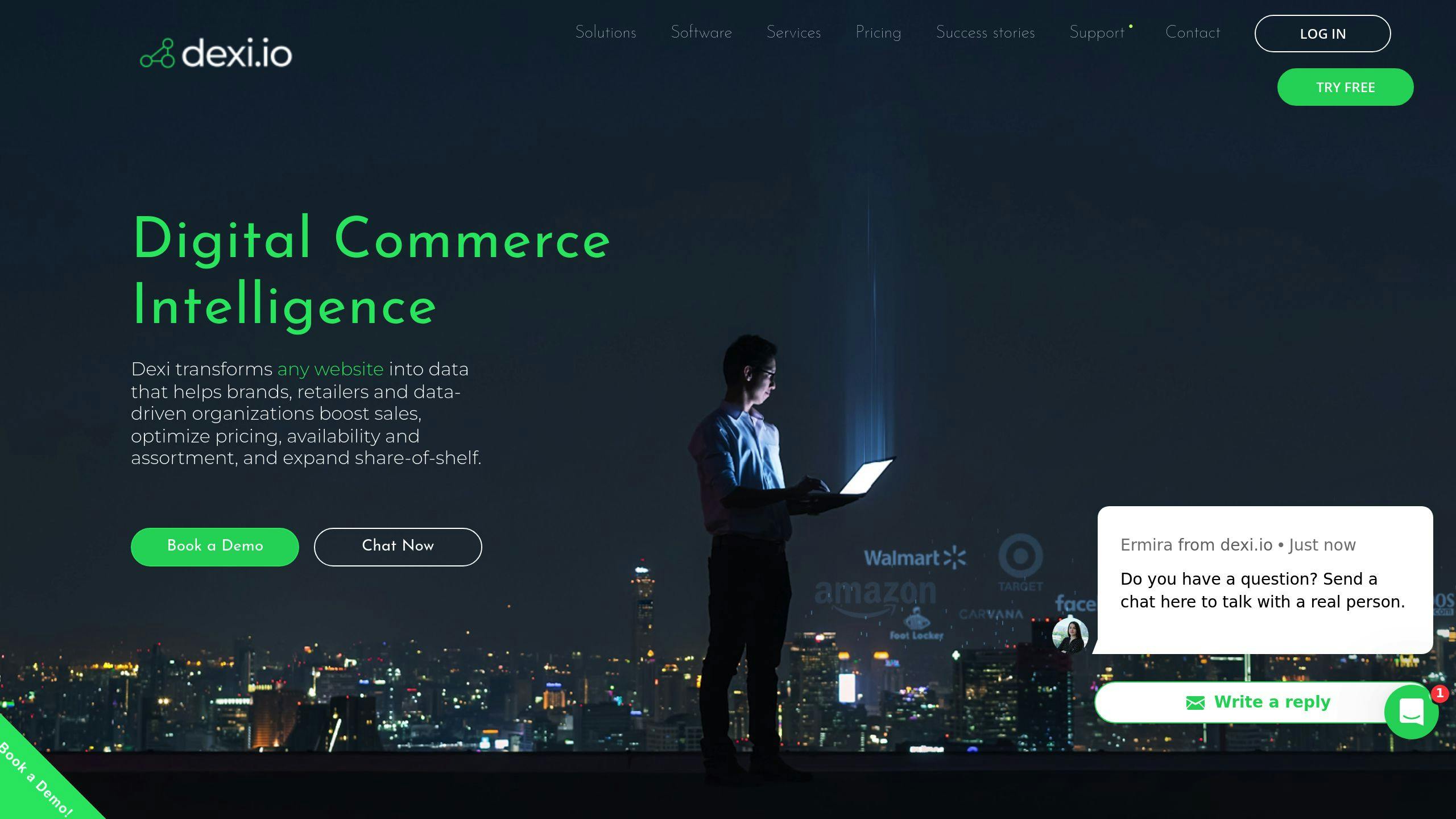
Dexi is a no-code web scraping tool for pros who need solid datasets. It’s got a visual editor, so you don’t need coding chops to automate web tasks.
What’s cool about Dexi?
-
Scrapes websites and crawls the web
-
Handles data and keeps an eye on it
-
Grabs IP addresses
-
Pulls images and contact info
-
Bundles content together
Dexi’s got three robot types:
1. Extractor: Point, click, extract. Easy.
2. Crawler: Chomps through whole domains using URLs.
3. Pipe: Hooks up Crawler and Extractor for smooth data collection.
How much?
| Plan | Monthly Cost (USD) | Workers |
|---|---|---|
| Standard | 119 | 1 |
| Professional | 399 | 3 |
| Corporate | 699 | 6 |
-
Checking out retail markets
-
Digging up background info
-
Keeping tabs on tech
-
Studying banks
-
Government research stuff
Real-world example:
Health researchers can use Dexi to crunch big datasets. A Nature study used web scraping to look at 3,000+ coroner reports on opioid deaths. The scraper blasted through 1,000 cases per hour. By hand? Just 25. Talk about a productivity boost.
The not-so-great parts:
-
Tough to learn at first
-
Basic plans miss some fancy features
-
Some folks say customer support is slow
Dexi’s powerful, but think hard about the learning curve and potential support hiccups before you jump in.
8. DataGrab
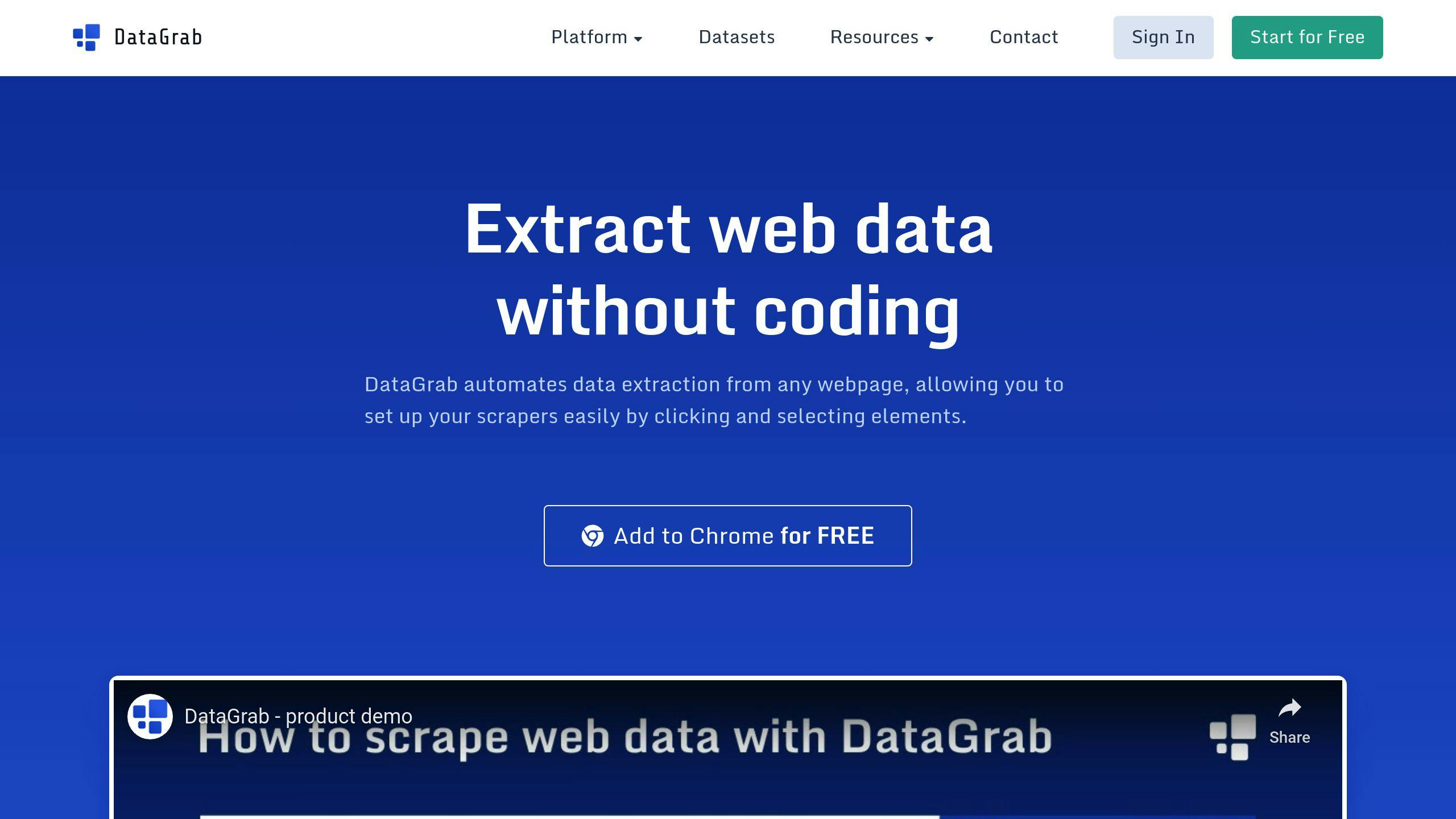
DataGrab is a no-code web scraping tool that’s perfect for researchers who need data but don’t want to code. It’s like having a digital assistant that collects information for you.
Here’s what DataGrab brings to the table:
-
Point-and-click interface (no coding needed)
-
Chrome extension for easy setup
-
Cloud-based scraping for big projects
-
Scheduled data collection
-
CSV and JSON exports
-
Email delivery of scraped data
-
7-day data storage
For academics, DataGrab is a valuable source. It’s user-friendly and can handle large datasets from multiple sources. Perfect if you’re not a developer.
| Feature | Why Researchers Love It |
|---|---|
| Visual setup | No tech skills? No problem. |
| Scheduling | Set it and forget it for ongoing studies |
| Export options | Use your favorite tools for analysis |
| Cloud scraping | Tackle big data projects with ease |
-
Get the Chrome extension
-
Set up your scraper visually
-
Choose local or cloud scraping
-
Schedule your tasks
-
Export and analyze your data
DataGrab makes web scraping a breeze, even if you’ve never written a line of code in your life.
9. PhantomBuster
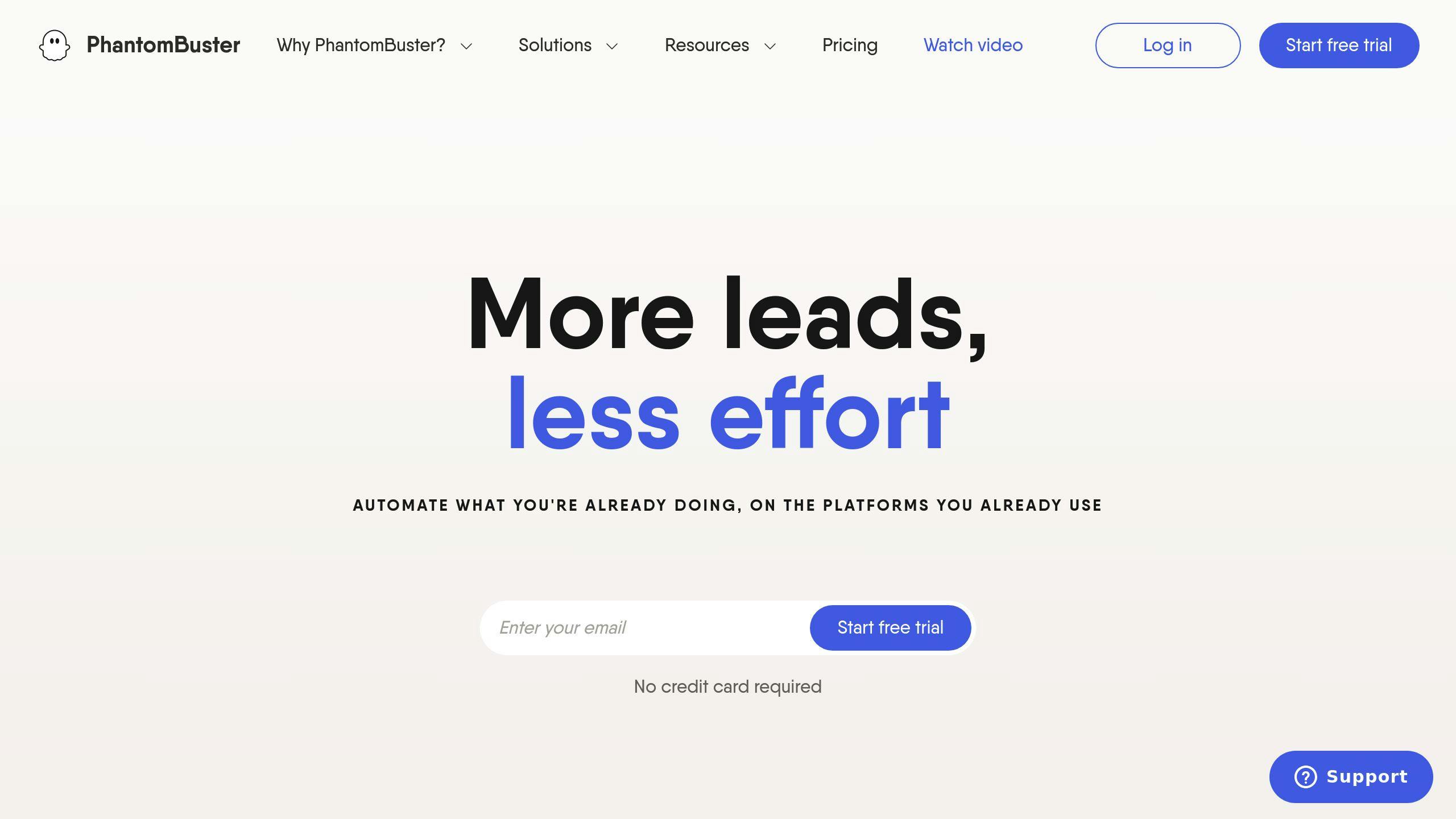
PhantomBuster is a cloud tool that automates data scraping and social media tasks. No coding needed. It’s great for academics who want to grab info from online platforms.
What can it do for researchers?
-
100+ ready-made automations for data collection
-
Works with LinkedIn, Twitter, Facebook, and Instagram
-
Chrome extension for quick setup
-
Plays nice with Google Sheets
PhantomBuster’s superpower? Automating repetitive tasks. Need 2,500 members from a LinkedIn group? It’s got you covered.
Here’s what it’ll cost you:
| Plan | Price | Execution Time | Phantom Slots |
|---|---|---|---|
| Trial | Free (14 days) | 2 hours | 5 |
| Starter | $59/month | 20 hours | 5 |
| Pro | $139/month | 80 hours | 15 |
| Team | $399/month | 300 hours | 50 |
10. Simplescraper
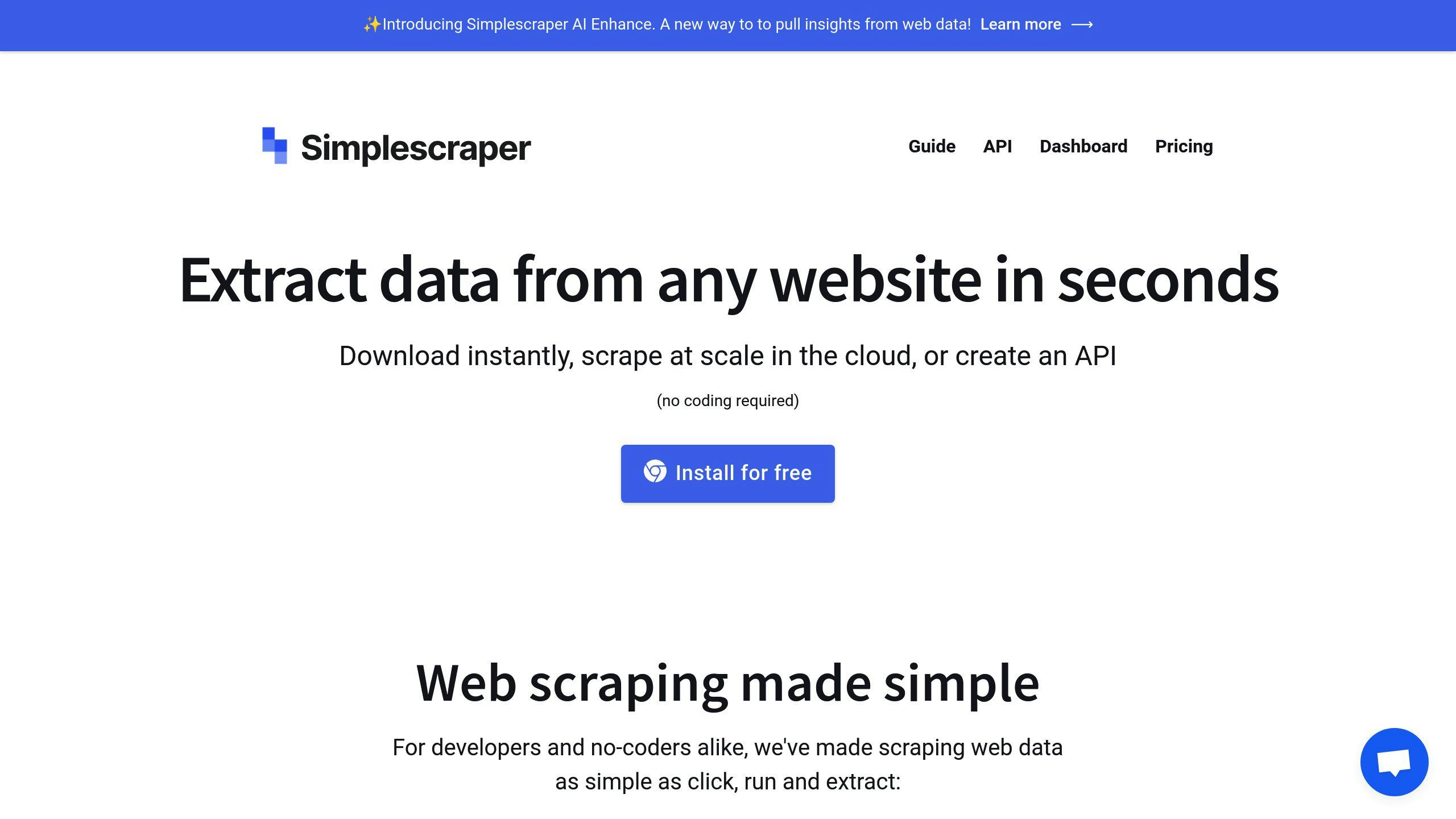
Simplescraper is a Chrome extension that lets you grab data from websites without coding. It’s perfect for researchers who need to collect info fast.
Here’s what it can do:
-
Pick data visually
-
Download instantly
-
Scrape from the cloud
-
Create APIs
-
Work with Google Sheets
The best part? It’s super easy to use. Just point, click, and extract. No more copying and pasting for hours.
Got a big project? Simplescraper’s got you covered. Set up “recipes” to scrape thousands of pages automatically. You can even schedule these to run regularly, so your data’s always fresh.
Here’s what it’ll cost you:
| Plan | Cost | What you get |
|---|---|---|
| Free Trial | $0 | 100 credits |
| Starter | $49/month | Basic stuff |
| Enterprise | Custom | Advanced features + support |
-
Check if a website allows scraping
-
Scrape when traffic is low
-
Don’t overload servers with too many requests
Strengths and Weaknesses
Let’s break down the top no-code web scraping tools:
| Tool | Strengths | Weaknesses |
|---|---|---|
| Apify | - Flexible and scalable - Lots of integrations - User-friendly actor creation | - Tough for beginners - Possible scraping delays - Pricey for high volume |
| ParseHub | - Handles dynamic content well - Visual project creation - Multiple export formats | - Affected by site changes - Complex advanced features - Slow for big projects |
| Octoparse | - Easy-to-use interface - 100+ pre-built templates - Great for non-coders | - Slow cloud scraping - Expensive cloud processing - Limited free version |
| Import.io | - Powerful data extraction - User-friendly - Scales well | - Expensive advanced features - Some tasks are tricky - Basic free version |
| Web Scraper | - Simple for basic tasks - Proxy support - Handles big data sets | - Can be slow - Crashes sometimes - Less powerful than others |
| ScrapeHero | - Straightforward API - Reliable extraction - Various data types | - No usage dashboard - Limited advanced info |
| Dexi.io | - Cloud-based - Scheduling support - Multiple export options | - Not free (trial available) - Complex tasks need skills |
| DataGrab | - Easy basic extraction - Spreadsheet output | - Limited features - Lacks support - No proxy info |
| PhantomBuster | - Ready-made “Phantoms” - Platform integrations - Automation features | - Can get expensive - Limited customization |
| Simplescraper | - Quick Chrome extension - Visual selection - Cloud and API support | - Short free trial - Paid plans for extras - Not for complex tasks |
Summary
No-code web scraping tools make data extraction a breeze for non-coders. Here’s what to look for:
1. Ease of use
Octoparse and Simplescraper are great for beginners.
2. Performance
Some tools trade speed for features. Pick based on your needs.
3. Features
Know what you need before you choose.
4. Pricing
It varies. Apify starts at $49/month, Import.io at $199/month.
5. Support
If data is crucial, go for 24/7 customer service.
Here’s a quick look at popular no-code scrapers:
| Tool | Best For | Starting Price | Key Feature |
|---|---|---|---|
| Apify | Flexibility | $49/month | Lots of integrations |
| Octoparse | Non-coders | $75/month | 100+ pre-built templates |
| ParseHub | Dynamic content | $189/month | Visual project creation |
| Import.io | User-friendliness | $199/month | Powerful data extraction |
| DataGrab | Basic tasks | $25/month | Chrome extension |
-
Try before you buy. Most offer free trials or limited free versions.
-
For small to medium projects, no-code tools can be a time-saver.
-
Got a big project? Think about scalability.
FAQs
What is the best free no-code web scraper?
Octoparse is a top pick for free no-code web scraping, especially for beginners and small projects. Here’s why:
-
It’s easy to use with point-and-click features
-
The free plan lets you run 10 tasks and export 10,000 data rows
-
It can handle websites that use JavaScript
But remember, free tools have limits. If you need more, check out these options:
| Tool | Free Plan | Best For |
|---|---|---|
| Apify | $5 credits | Flexibility |
| ParseHub | 5 tasks | ML-based scraping |
| ScraperAPI’s DataPipeline | Limited trial | Large-scale scraping |
-
How much data you need
-
How complex the websites are
-
If you need to schedule scrapes
-
Whether it works with your other tools
Related on ScrapingLab:
- ScrapingLab vs Bright Data — Visual workflow vs proxy infrastructure
- ScrapingLab vs ParseHub — Desktop app vs cloud platform
- How to Scrape a Website Without Code — Getting started guide