10 No-Code Web Scraping Tools Compared: UI & Ease of Use
Looking for a web scraping tool that doesn’t require coding? Here’s a quick rundown of 10 popular options:
| Tool | Best For | Standout Feature |
|---|---|---|
| Apify | Power users | Versatile automation |
| Octoparse | Beginners | Point-and-click simplicity |
| ParseHub | Tricky sites | Visual selection |
| Import.io | E-commerce | Data extraction |
| Dexi | Large-scale jobs | Workflow automation |
| Web Scraper | Quick tasks | Browser extension |
| ScrapeHero | Scalable projects | Cloud-based scraping |
| Phantombuster | Social media | Platform-specific scraping |
| DataGrab | One-off extractions | Chrome extension |
| Simplescraper | Casual users | User-friendly interface |
- Ease of use
- Pricing
- Features
- Support
Top picks:
- Beginners: Simplescraper, Magical
- Intermediate: Octoparse, ParseHub
- Advanced: Import.io, Apify
Remember to check website terms before scraping to stay legal.
Apify: Powerful Web Scraping Made Simple
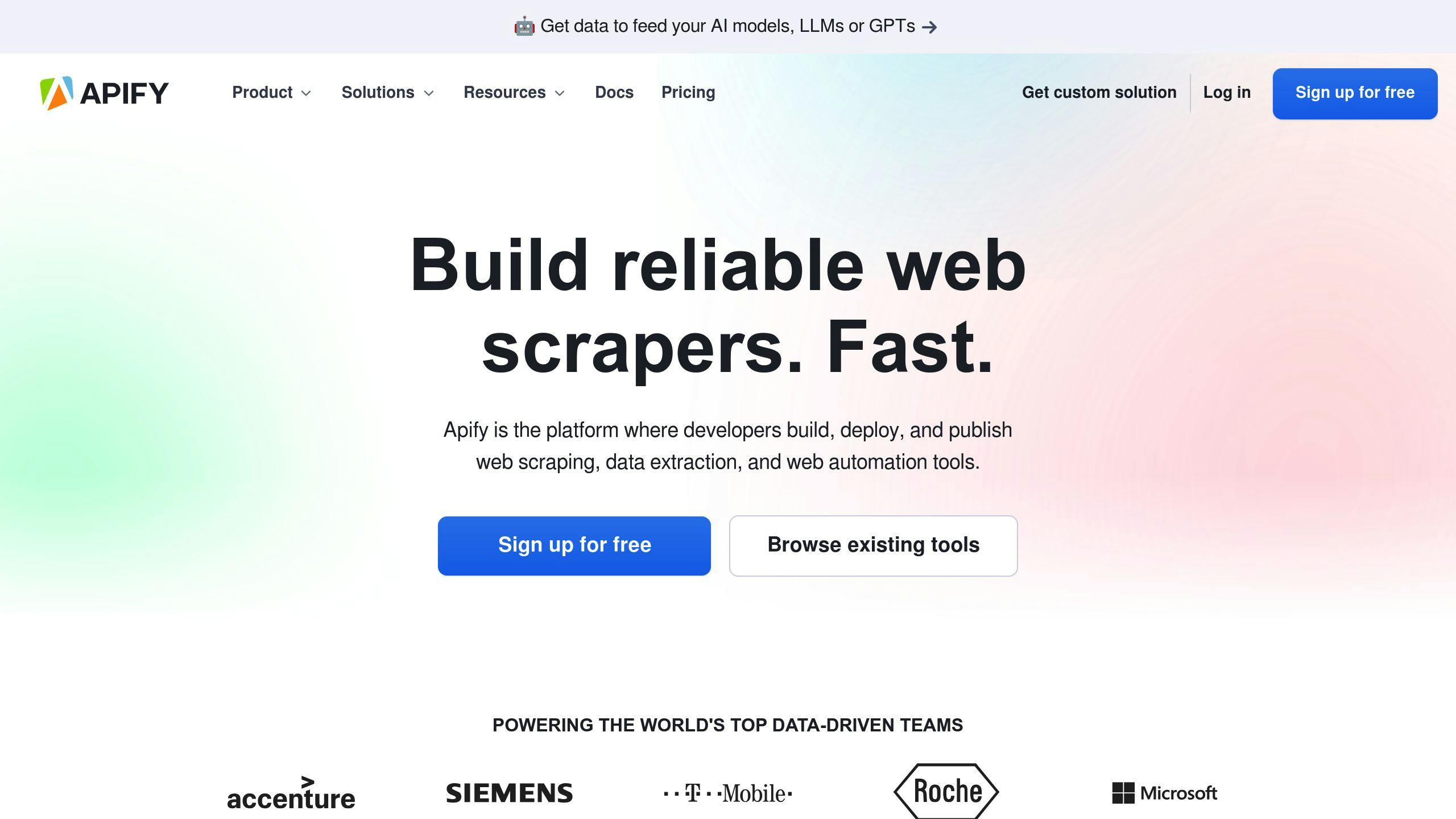
Apify is a web scraping powerhouse that’s easy enough for newbies but robust enough for pros.
What’s Cool About Apify?
- Cloud-based with “Actors” (serverless microapps)
- Works with Python, JavaScript, Playwright, and Puppeteer
- Tons of proxies (datacenter and residential) with smart IP rotation
The Interface
Apify’s UI is slick:
- Drag-and-drop for building tasks
- Easy-to-navigate tabs
- Helpful tooltips everywhere
Is It Easy to Use?
Yes and no:
- Basic stuff? No coding needed
- Advanced tasks? You’ll want some programming chops
- Tons of docs and guides to help you out
- Pre-built scrapers in the Apify Store (nice!)
What’ll It Cost You?
| Plan | Price | What You Get |
|---|---|---|
| Free | $0 | $5 worth of scraping |
| Starter | $49/mo | 1 GB RAM/hour |
| Scale | $499/mo | 8 GB RAM/hour |
| Business | $999/mo | 32 GB RAM/hour |
| Enterprise | Custom | Tailored for you |
“Apify saved us a ton of time. No deployment headaches, great docs, and awesome support. It was a blast!” - Camille Roux, HumanCoders Co-founder
“As a dev, Apify is the perfect mix of power and ease. I can focus on the important stuff, not infrastructure nonsense.” - Tom Linhart, Flat Zone Lead IT Architect
Bottom line: Apify’s a solid choice if you want to scrape data without coding your brains out. Just be ready to spend some time learning the ropes to get the most out of it.
2. Octoparse
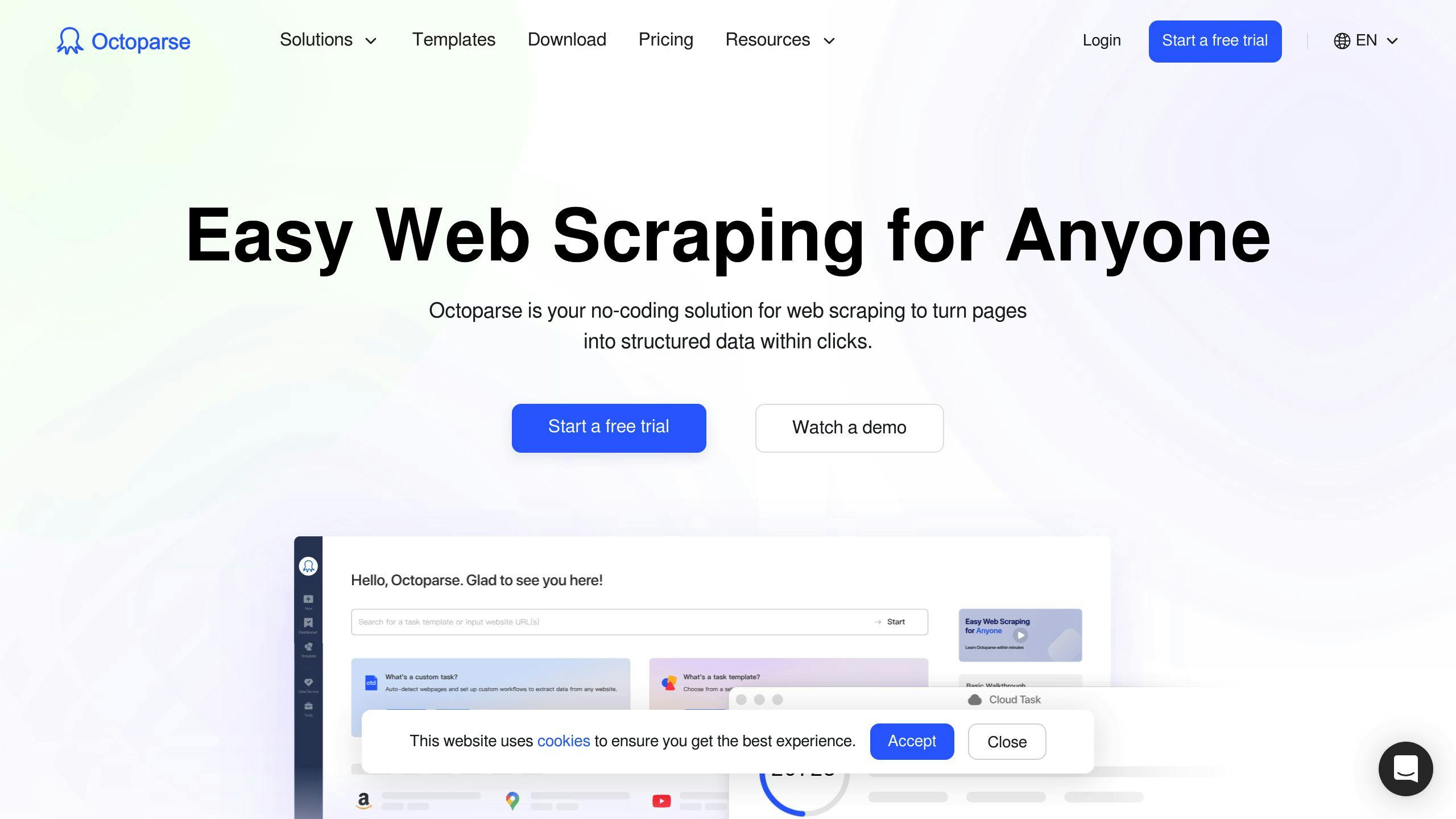
Octoparse is a web scraping tool that’s perfect for people who don’t code. It’s super easy to use, thanks to its point-and-click interface.
What’s Cool About It:
- Spots data fields automatically
- Works with tricky websites
- Scrapes from the cloud or your computer
- Works on Windows and Mac
How Easy Is It?
It’s a piece of cake. You can start scraping in just three steps:
- Type in the website address
- Click on what you want to grab
- Hit ‘Go’
It’s got different modes to help you out, from beginner-friendly to more advanced options.
What’ll It Cost You?
| Plan | Price | What You Get |
|---|---|---|
| Free | $0 | Grab 10,000 items per export |
| Standard | $75/month (yearly) | Cloud scraping, scheduled tasks |
| Professional | $209/month (yearly) | Scrape tons of data |
| Enterprise | Call for price | Custom setup |
“We used Octoparse to grab contact info for sales and marketing. It did the job well and gave us the data in a file. No coding needed - saved us from hiring experts!” - A happy user
The Bottom Line:
If you’re new to web scraping or can’t code, Octoparse is a great pick. It’s easy to use but still packs a punch with its features.
3. ParseHub
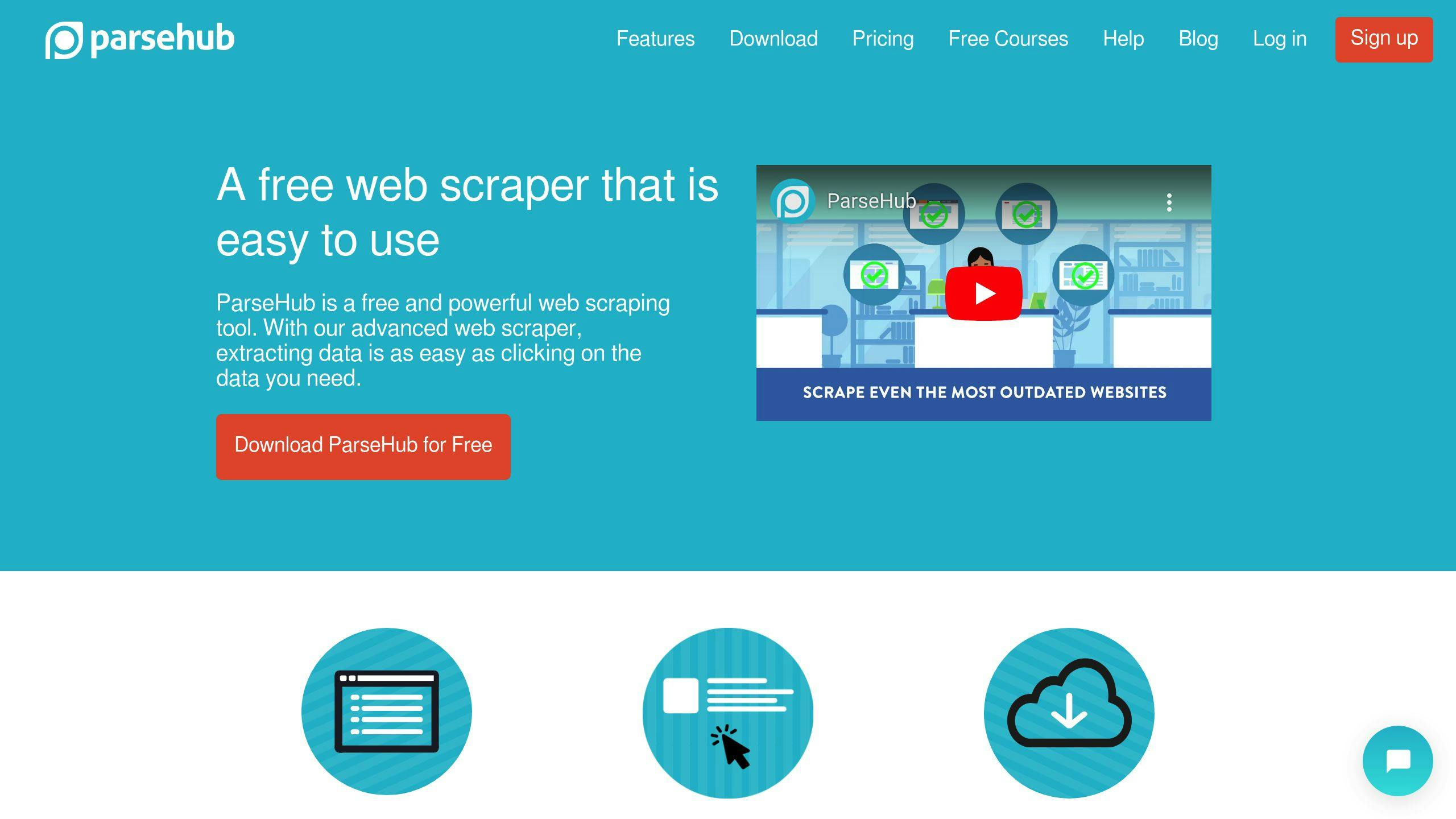
ParseHub is a desktop app for web scraping without coding. It’s perfect for grabbing data from tricky websites.
Here’s how it works:
- Get the free app
- Type in your target URL
- Click what you want
- ParseHub confirms your picks
- Hit go and get your data
What’s cool about ParseHub:
- Handles fancy web stuff like AJAX
- Grabs data from forms and logins
- Can scrape multiple pages
- Sets up scheduled scraping
Using ParseHub is pretty straightforward. You’ve got three main parts:
- Commands
- Live webpage view
- Data preview
This setup lets you see what’s happening as you work. Plus, they’ve got tutorials and chat support if you get stuck.
Pricing:
| Plan | Cost | What You Get |
|---|---|---|
| Free | $0 | 5 projects, 200 pages/run |
| Standard | $149/month | Faster scraping, more projects |
| Professional | $499/month | API access, advanced stuff |
| Enterprise | Custom | Personal support, tailored solutions |
“ParseHub’s interface is really easy to use, even for a first timer.” - Proxyway Review
The takeaway:
ParseHub is great for newbies and complex sites. But picking elements can take a while, and some folks have hit snags with empty files.
4. Import.io
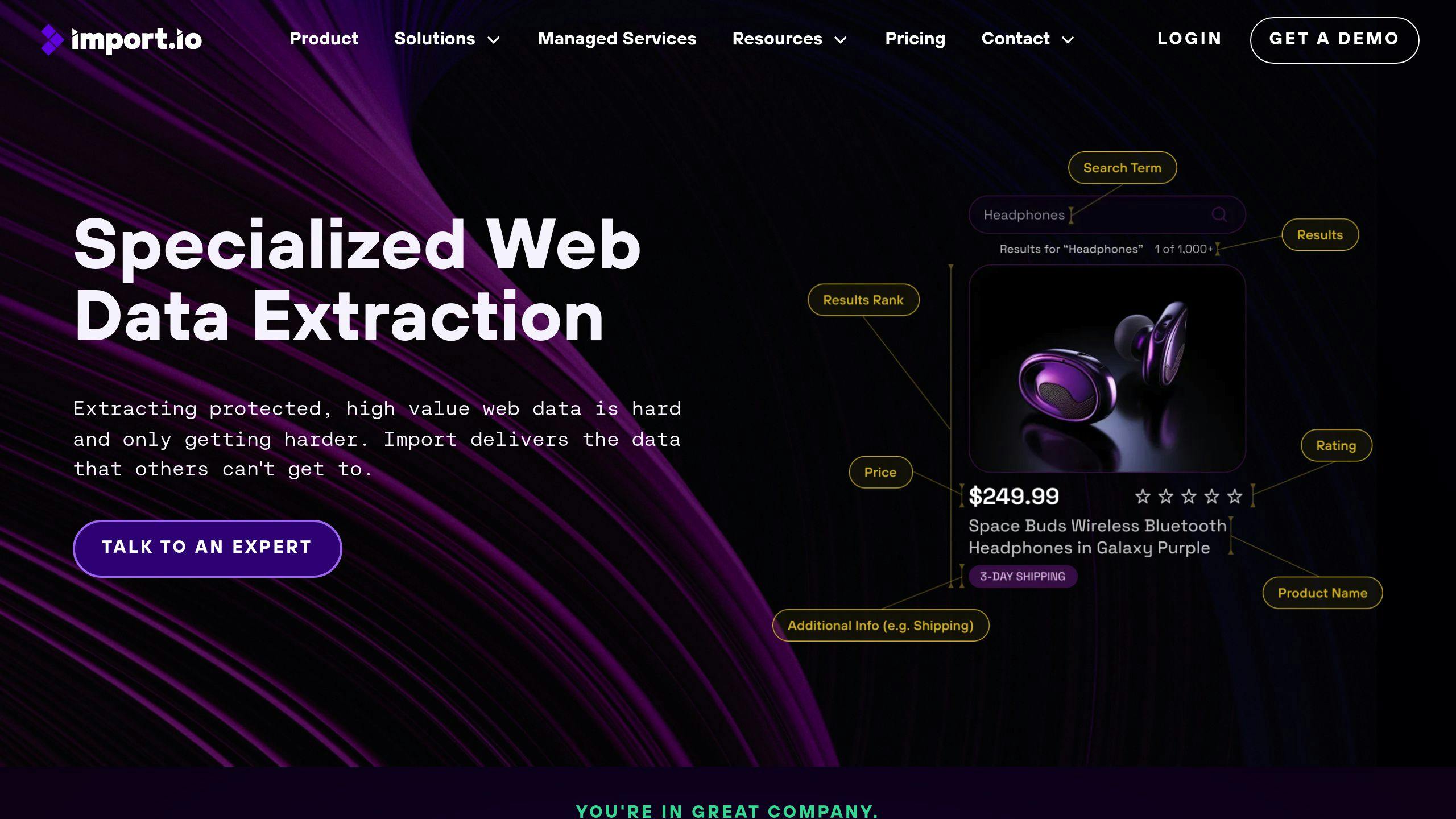
Import.io is a web scraping tool that’s perfect for non-coders. It lets you grab data from websites without writing a single line of code.
Here’s what makes Import.io stand out:
- Set up scrapers in minutes, not hours
- Just point and click to select data
- Wizards and guides help you every step of the way
- ‘Magic’ feature learns how to scrape based on what you do
Users love how easy it is. It’s got a 4.8/5 rating from 190 reviews, with ease of use at 4.6/5.
One user said:
“I used import.io to refresh feeds for digital marketing. It’s a scraper you can set up in minutes without any coding.” - Engineer
You can use Import.io in the cloud or on your own servers. They’ve got your back with email, phone, live chat, and a knowledge base.
| Feature | What You Get |
|---|---|
| Where it runs | Cloud or your servers |
| Help options | Email, phone, chat, guides |
| Cost | Starts at $299/month |
| Try before you buy | Free version and trial |
5. Dexi
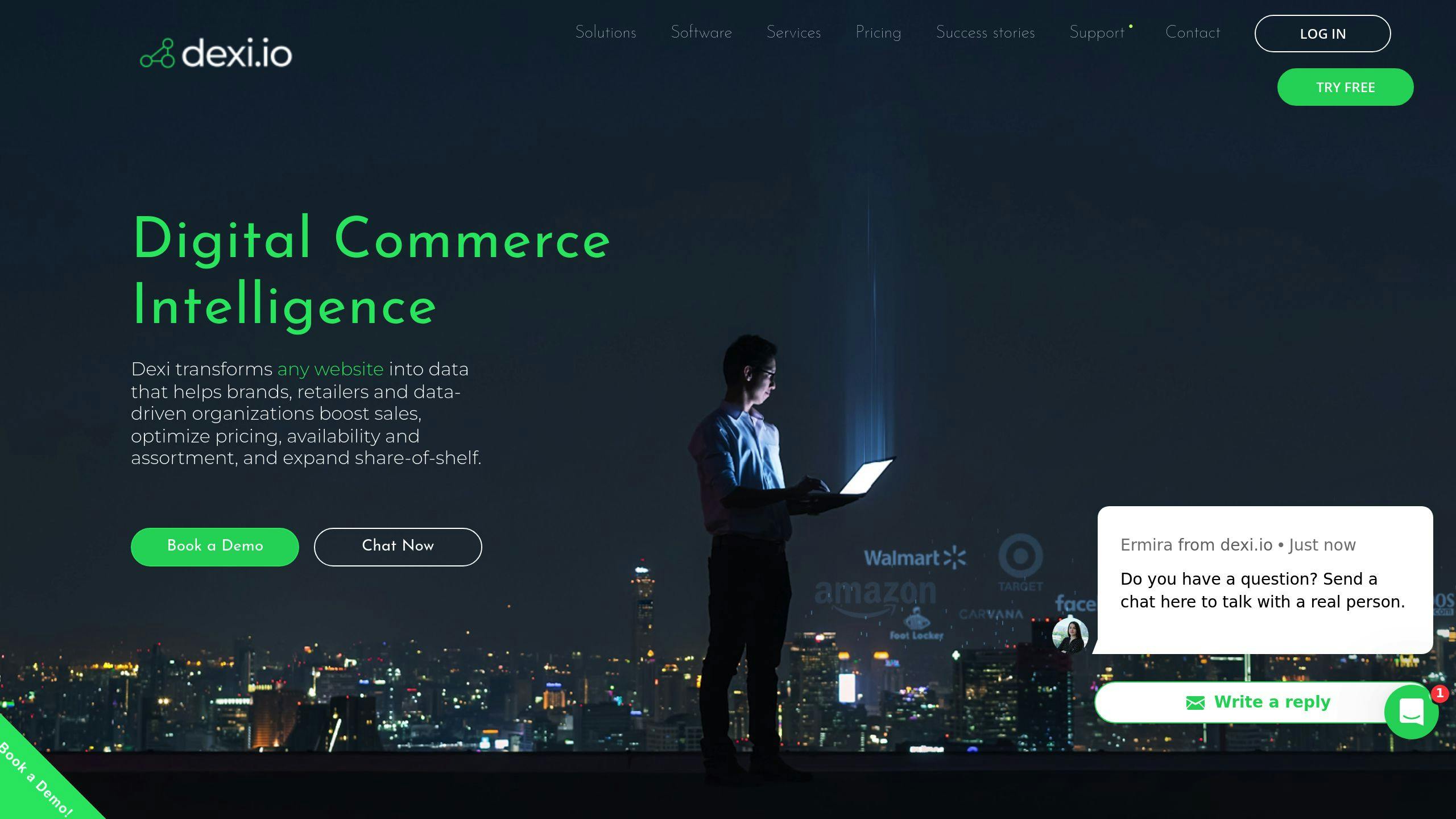
Dexi is a cloud-based web scraping tool that’s easy to use, even if you’re not a developer. It’s got a point-and-click interface that makes data extraction a breeze.
Here’s what Dexi brings to the table:
- Visual editor for web automation
- Extracts various data types (images, phone numbers, emails, prices)
- Handles JavaScript and forms
- API integration for data management
Dexi’s clean graphical interface lets you design scraping agents without writing code. New to web scraping? No problem. Dexi’s got your back with tutorials, docs, and videos to get you started.
Let’s talk pricing:
| Plan | Price | What You Get |
|---|---|---|
| Free | $0 | 10 workers, 1 hour runtime |
| Standard | $119/month | 1 worker |
| Professional | $399/month | 3 workers |
| Corporate | $699/month | 6 workers |
6. Web Scraper
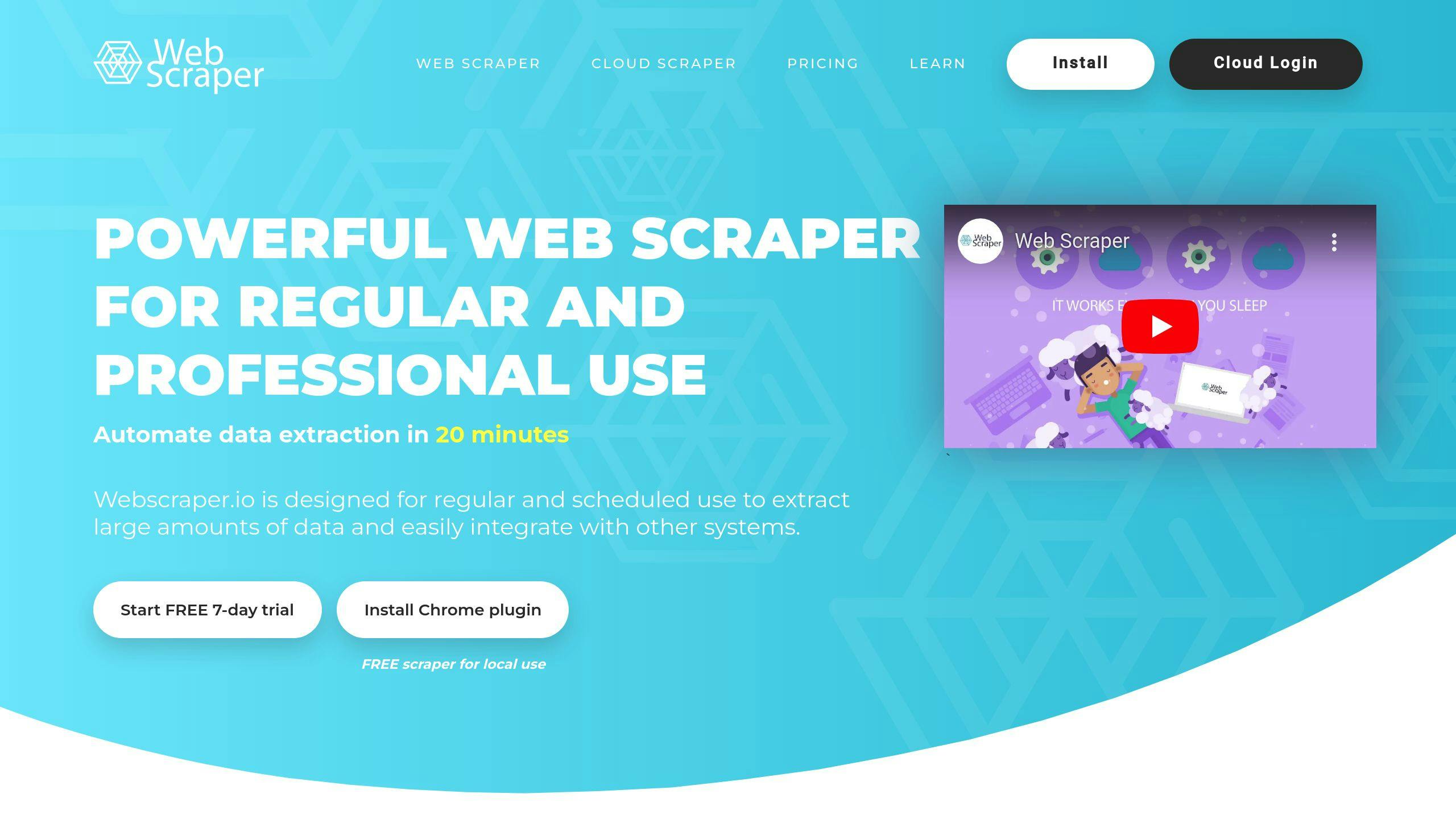
Web Scraper is a no-code tool for data extraction. It’s a browser extension for Chrome and Firefox that lets you scrape data right from your browser.
What’s cool about Web Scraper:
- Point-and-click interface
- Handles dynamic web pages
- Exports data in CSV, XLSX, and JSON
- Cloud-based scraping options
Here’s how to use it:
- Install the Chrome extension
- Create a sitemap
- Import the sitemap to Web Scraper Cloud
- Run your scraper
- Get your data via API or Data Export
It’s great for beginners and pros. You can make custom scraper models by clicking on elements you want to capture.
Pricing:
| Plan | Price | Cloud Credits | Parallel Tasks |
|---|---|---|---|
| Browser extension | Free | N/A | N/A |
| Project | $50/month | 5,000 | 2 |
| Professional | $100/month | 20,000 | 3 |
| Business | $200/month | 50,000 | 5 |
| Scale | From $200/month | Unlimited | Limited |
- Overall: 4.7/5
- Ease of Use: 4.1/5
- Features: 4.6/5
- Customer Service: 4.3/5
- Value for Money: 4.8/5
While it’s user-friendly, non-techies might need time to learn it. But once you do, you can use it for market research, lead generation, and price monitoring.
7. ScrapeHero
ScrapeHero is a cloud-based web scraping tool with pre-built scrapers. No coding? No problem.
Here’s what you get:
- Pre-built scrapers for big sites (Amazon, Google, Yelp, LinkedIn)
- Browser-based (no downloads)
- Scheduled scraping
- Data in Excel, CSV, or JSON
Using ScrapeHero is simple:
- Sign up
- Pick a scraper
- Add URLs
- Run it
- Get your data
Pricing? They’ve got options:
| Plan | Price | What You Get |
|---|---|---|
| Free Test | $0 | 25 pages |
| On-Demand | $550+ | One-time scrape |
| Business | $199+/month | Subscription |
| Enterprise Basic | $1500+/month | More features |
| Enterprise Premium | $8000+/month | The works |
“These folks are on top of their game - professional, fast, and flexible.”
Just keep in mind: lower-tier packages share support resources.
Need data without coding headaches? ScrapeHero might be your answer.
8. Phantombuster
Phantombuster is a cloud-based tool that automates web scraping and social media tasks. It’s perfect for folks who want to generate leads and extract data without coding.
The key point with Phantombuster:
- It’s got over 100 ready-made “Phantoms” (that’s what they call their automation scripts)
- It runs in the cloud 24/7, so you don’t have to babysit it
- It plays nice with Google Sheets to supercharge your workflow
Using Phantombuster is pretty simple:
- Pick a Phantom from their store
- Connect your account (they use session cookies)
- Feed it some data (text, URLs, or spreadsheets)
- Tell it how to behave (like how much to scrape)
- Set it to run automatically if you want
- Hit go and watch the results roll in
You’ll get your data in CSV and JSON formats. Each time you run it, it’ll add to your pile of data.
What’ll it cost you?
| Plan | Price | What you get |
|---|---|---|
| Trial | Free (14 days) | 2 hours runtime, 5 Phantom slots |
| Starter | $59/month | 20 hours runtime, 5 Phantom slots |
| Pro | $139/month | 80 hours runtime, 15 Phantom slots |
| Team | $399/month | 300 hours runtime, 50 Phantom slots |
- Start slow to avoid ticking off the platforms you’re scraping
- Use custom filters to slice and dice your data
- For LinkedIn scraping, connect with a session cookie
Phantombuster’s great if you need serious automation power. Just be ready to put in some time to learn the ropes.
9. DataGrab
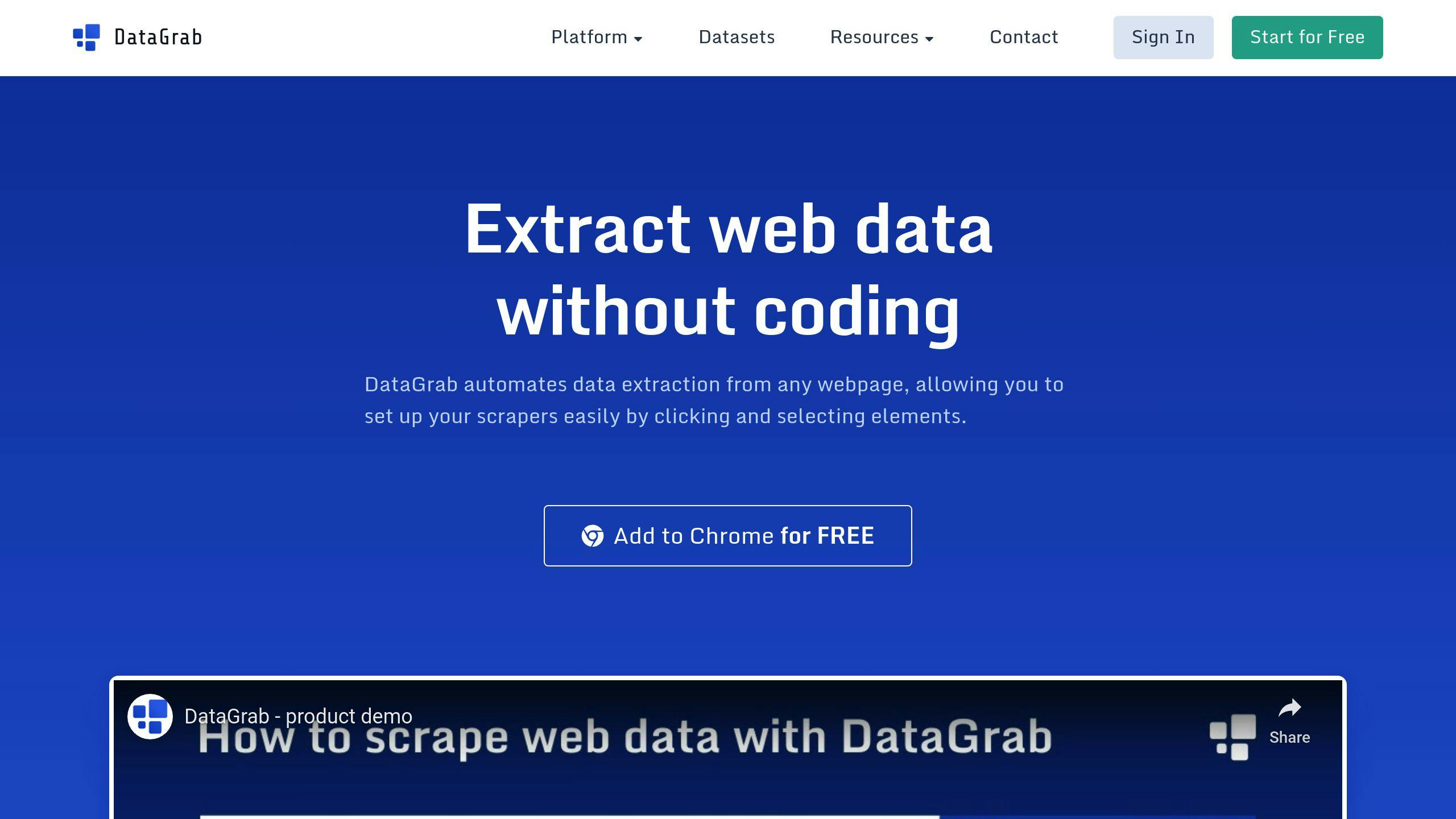
DataGrab is a no-code web scraping tool that’s perfect for beginners. It’s all about simplicity - you can extract data without writing any code.
Here’s the gist:
- Install the Chrome extension
- Click on webpage elements
- Set up pagination (if needed)
- Run the scraper
It’s that easy. You can set up a basic scraper in minutes, even if you’re new to web scraping.
What’s cool about DataGrab?
- Point-and-click interface
- Chrome extension
- Cloud-based scraping
- Automatic proxy rotation
- CSV and JSON exports
- Google Sheets integration
How much does it cost?
| Plan | Price | What you get |
|---|---|---|
| Starter | $25/month | Basic scraping, limited requests |
| Pro | Custom pricing | More requests, advanced features |
“Datagrab is one of the simplest but most effective web scraping tools I’ve ever used. Setting up a scraper takes less than a minute for simple sites, but still has the power I need for more complex crawling.”
Pro tips:
- Use pre-made templates to save time
- Use proxies to avoid IP blocks when scraping at scale
- Check the docs for help with different website structures
DataGrab is perfect for beginners and straightforward data extraction. But if you’re an advanced user or need complex scraping, you might find it limiting.
10. Simplescraper
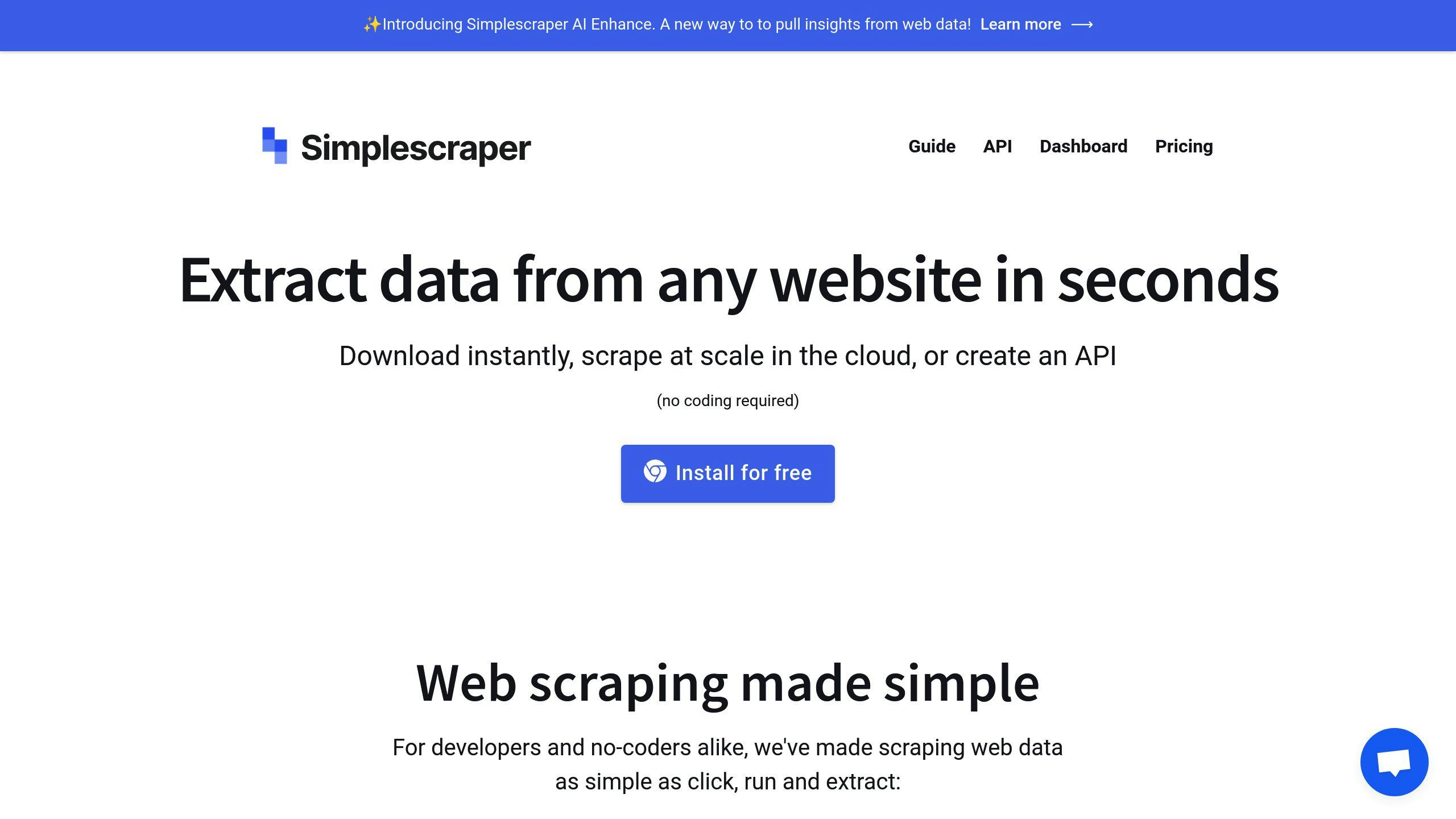
Simplescraper is a Chrome extension that lets you scrape websites without coding. Here’s how it works:
- Install the extension
- Go to a webpage
- Click the Simplescraper icon
- Select ‘Scrape this website’
- Pick the data you want
The tool highlights what you’re grabbing in green. You can fine-tune your selection with the small arrow or ‘only this’ button.
What it offers:
- One-click scraping to Google Sheets, Airtable, and Zapier
- Cloud-based scraping for bigger jobs
- Automated “recipes” for regular tasks
- Proxy rotation and CAPTCHA solving
How much it costs:
| Plan | Price | What you get |
|---|---|---|
| Free Trial | $0 | 100 credits |
| Starter | $49/month | Basic features |
| Enterprise | Custom | Advanced features, more volume |
“Fast, simple to understand. It has saved me a lot of time!”
It’s great for basic scraping, but might not cut it for complex sites or huge projects. For quick, easy scraping, though, it’s tough to beat.
Good and Bad Points
Let’s compare these no-code web scraping tools:
| Tool | Pros | Cons |
|---|---|---|
| Apify | - Easy structured data scraping - API access - Built-in proxy rotation | - Learning curve - Some customization needs tech skills |
| Octoparse | - Flexible data export - Various extraction modes - Works anywhere | - Free version limits - Steep learning curve |
| ParseHub | - User-friendly - Free for 5 projects - Pulls data from various apps | - Can be buggy - Desktop app only |
| Import.io | - Good for large URL lists - User-friendly - Custom crawl instructions | - Some tasks need coding - Cloud-only - Limited scraping features |
| Dexi | - Many customization options - Unique features | - Hard to use - Confusing credits |
| Web Scraper | - Free browser extension - Scheduled crawling | - Poor UI - Lacks data export |
| ScrapeHero | - Simple setup - User-friendly interface | - Limited self-service |
| Phantombuster | - Not enough info | - Not enough info |
| DataGrab | - Easy to use - Google Sheets integration | - Best for tabular data |
| Simplescraper | - Simple interface - One-click scraping | - Limited support |
1. Ease of use
Simplescraper and Import.io are user-friendly. ParseHub offers beginner tutorials. Dexi? Not so easy.
2. Pricing
Scraping Robot gives 5,000 free scrapes monthly. Web Scraper has a free extension. Octoparse and ParseHub? Free versions with limits.
3. Features
Apify offers API access and proxy rotation. Octoparse? Various export formats. Web Scraper handles infinite scrolling.
4. Support
ScrapeHero: user-friendly but limited self-service. Simplescraper: one-click scraping but minimal support.
Pick based on your needs and skills. Each tool has its strengths and weaknesses.
Wrap-up
After comparing 10 no-code web scraping tools, here’s the lowdown:
| User Type | Top Picks | Why |
|---|---|---|
| Beginners | Simplescraper, Magical | User-friendly, quick setup |
| Intermediate | Octoparse, ParseHub | Versatile, balanced features |
| Advanced | Import.io, Apify | Powerful, API access, customization |
- How easy is it to use?
- What’s the cost?
- What features does it offer?
- Is there good support?
And don’t forget: Always check a website’s terms before scraping. Stay legal, folks!
FAQs
Which AI tool is best for web scraping?
Picking the right AI tool for web scraping boils down to your needs and tech skills. Here’s a quick look at some top choices:
| Tool | Ideal For | Standout Features |
|---|---|---|
| Import.io | Big enterprise teams | High-volume scraping, point-and-click interface, proxy management |
| ParseHub | Those avoiding browser tools | Image/file scraping, CSV/JSON exports, handles tricky sites |
| Octoparse | Non-techies | User-friendly, point-and-click, built-in templates |
Related on ScrapingLab:
- ScrapingLab vs Bright Data — Visual workflow vs proxy infrastructure
- ScrapingLab vs ParseHub — Desktop app vs cloud platform
- How to Scrape a Website Without Code — Getting started guide